 wondarchive
 Français
 Deutsch
 Español
 Italiano
 Nederlands
 Português
 Polski
 Čeština
 Magyar
 Svenska
 Ελληνικά
 Русский
 Latina
Reading the unreadable
Reading every hand
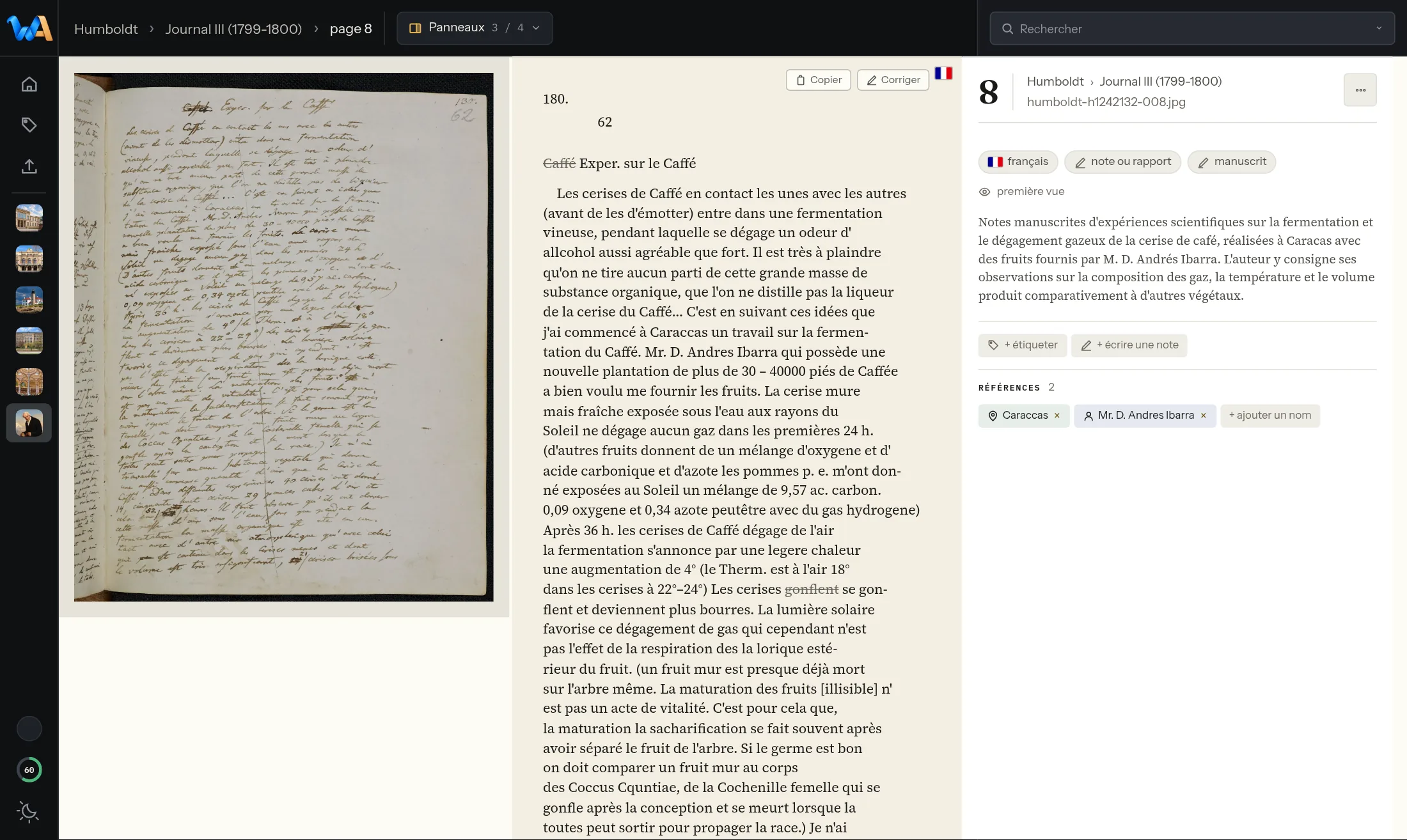
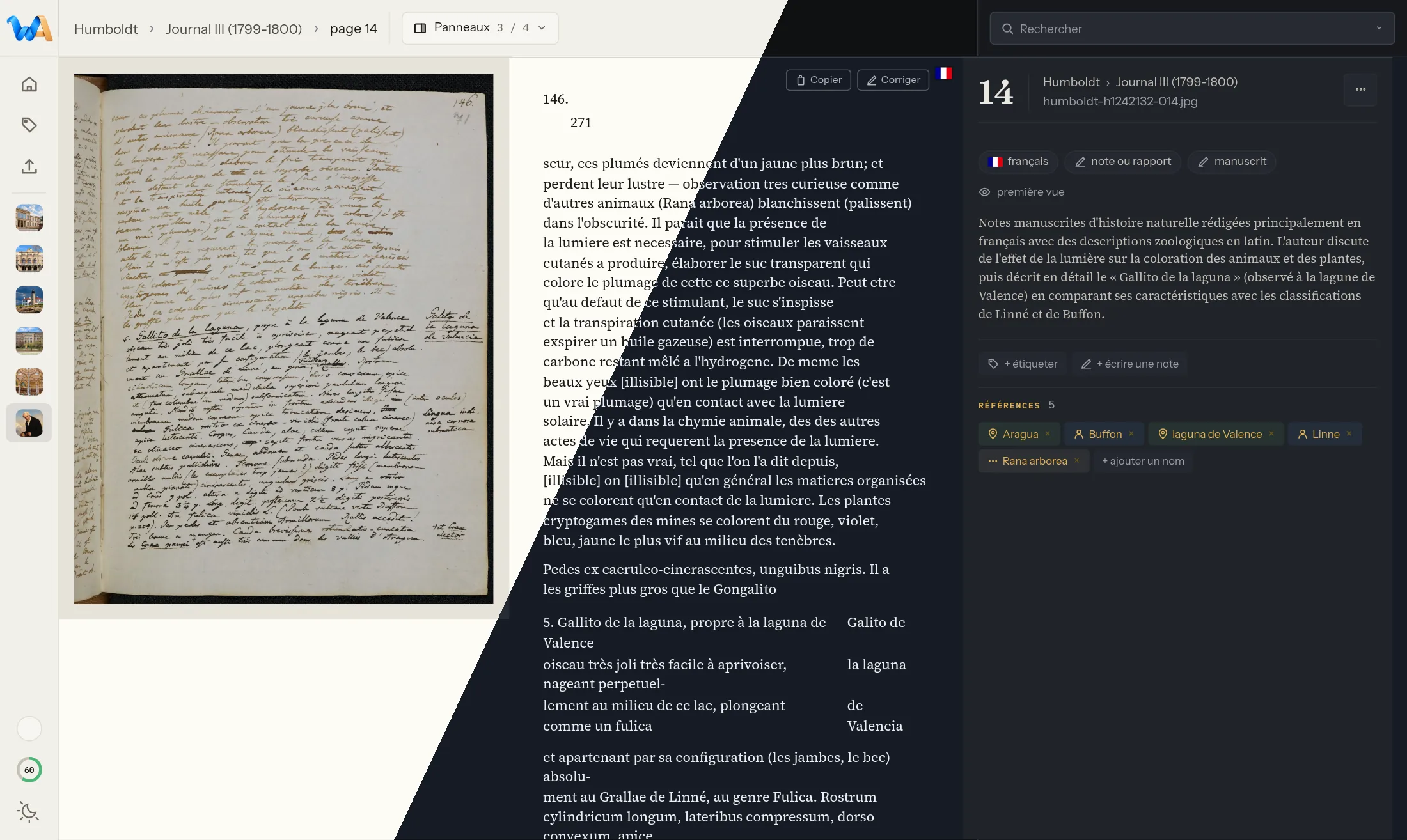
Handwritten, typed, printed or blackletter: transcription reads every page, whatever the script.
wondarchive › Features
Thirty features, grouped by theme and ranked by strength: the strongest first. Each one is shown on a real archive page.
Every feature is shown as it appears in the app, on the demo’s collections: real archives, free of rights, from Humboldt’s journal to the lighthouse keepers’ letters. Click an image to see it in full.
How the reading engine is chosen: How it works.
Reading the unreadable
Handwritten, typed, printed or blackletter: transcription reads every page, whatever the script.
Reading the unreadable
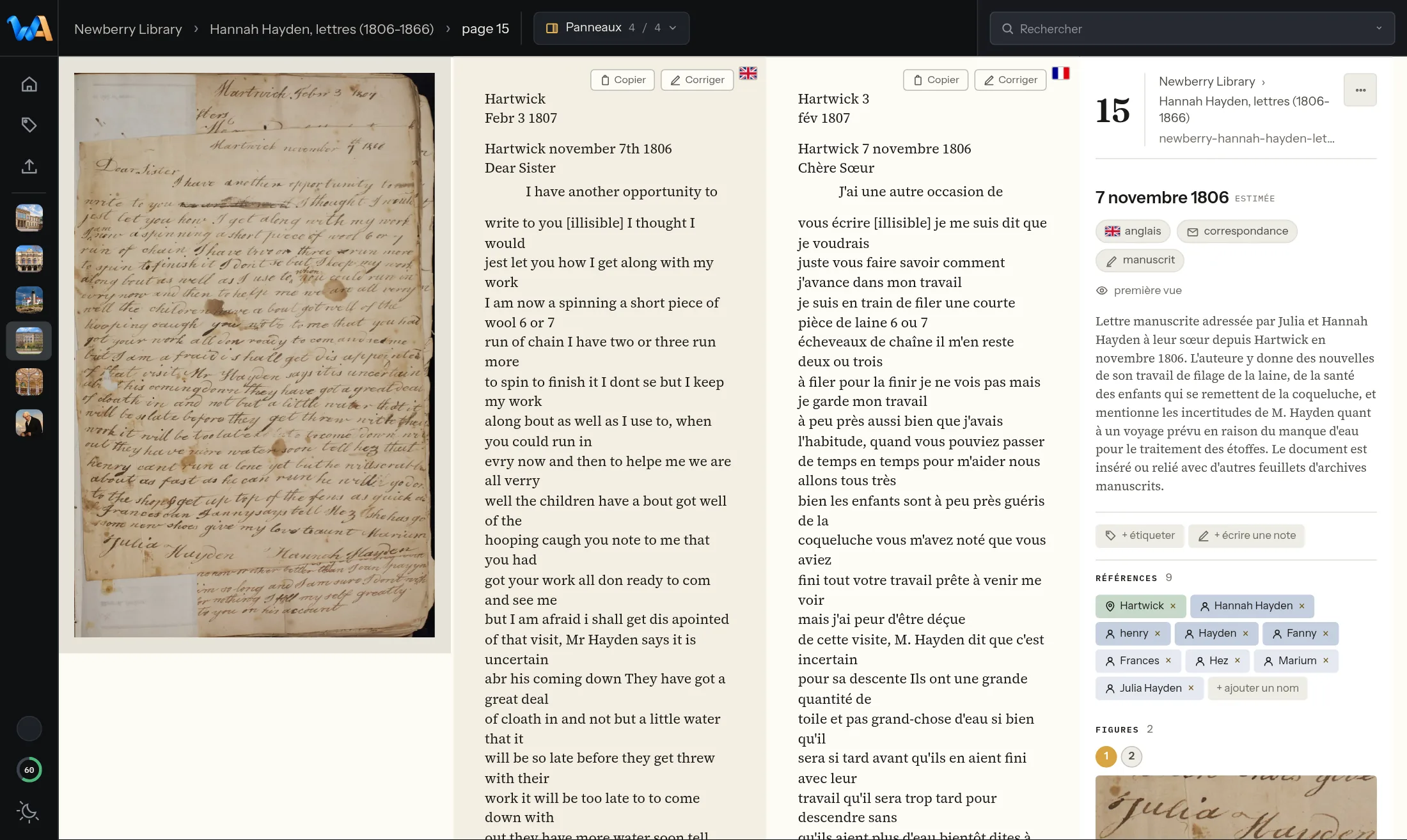
Every page is translated into the chosen language, with the context of its neighbours and the glossary of the fonds itself.
Reading the unreadable
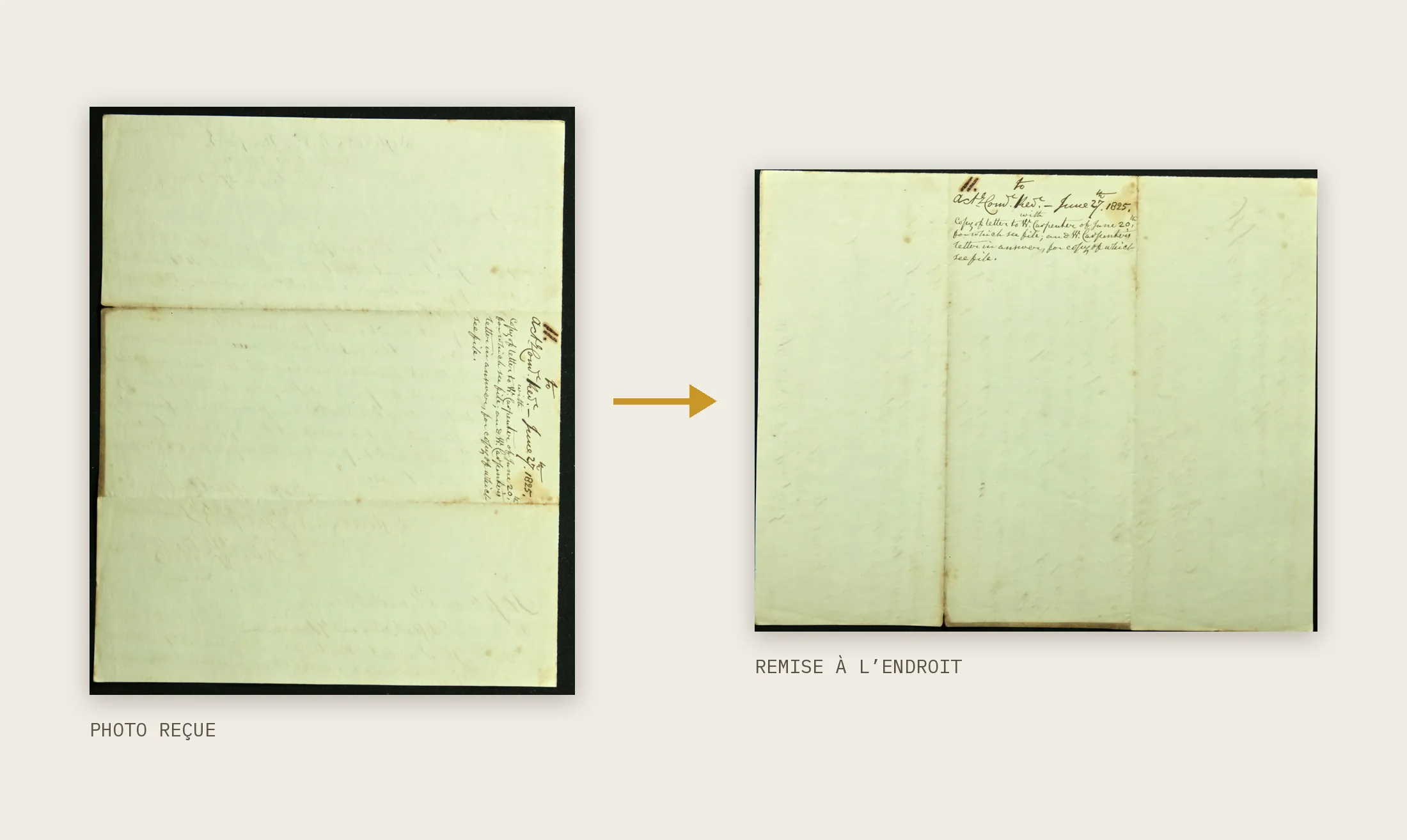
A page scanned sideways, upside down or in the wrong orientation is set right before it is even transcribed.
Reading the unreadable
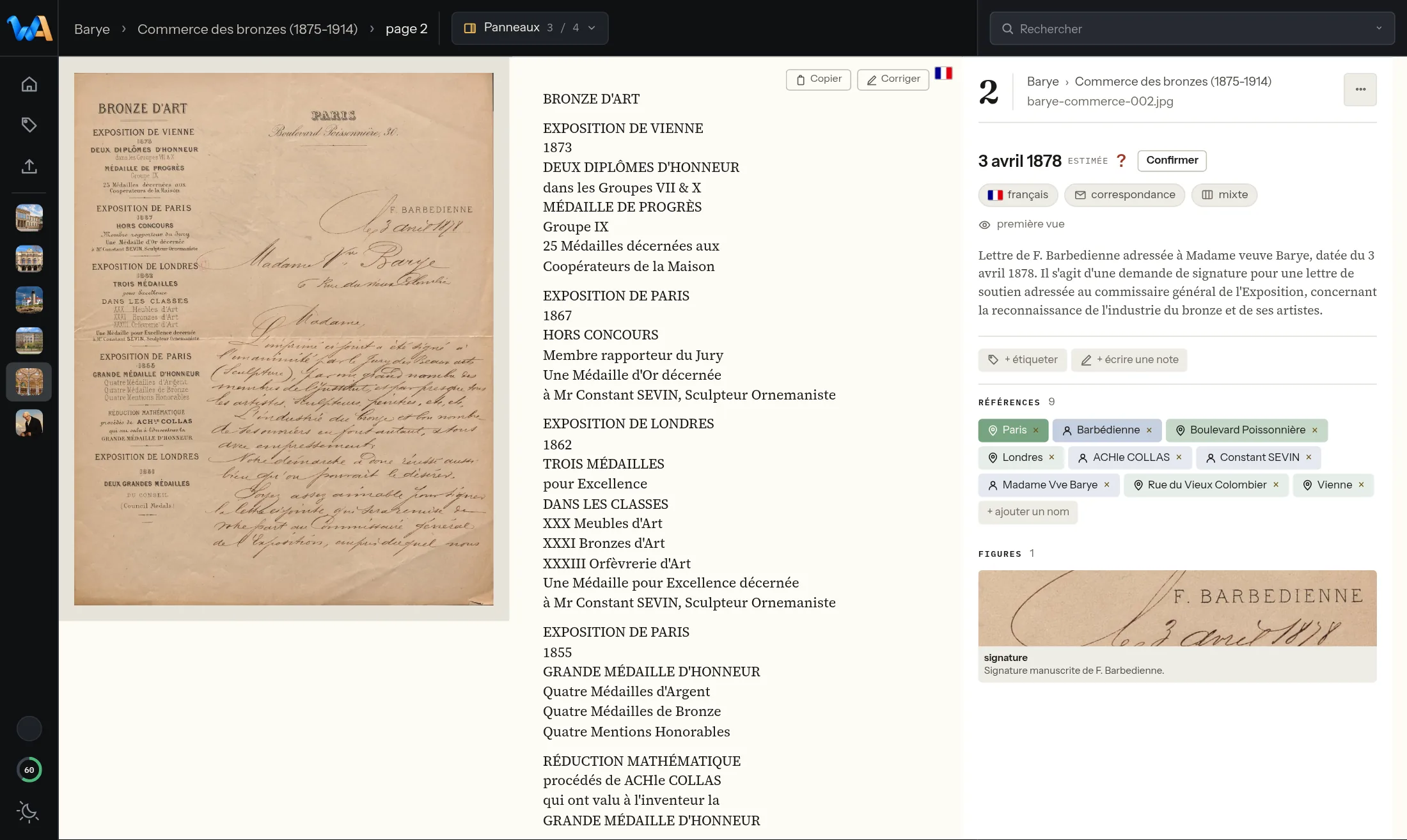
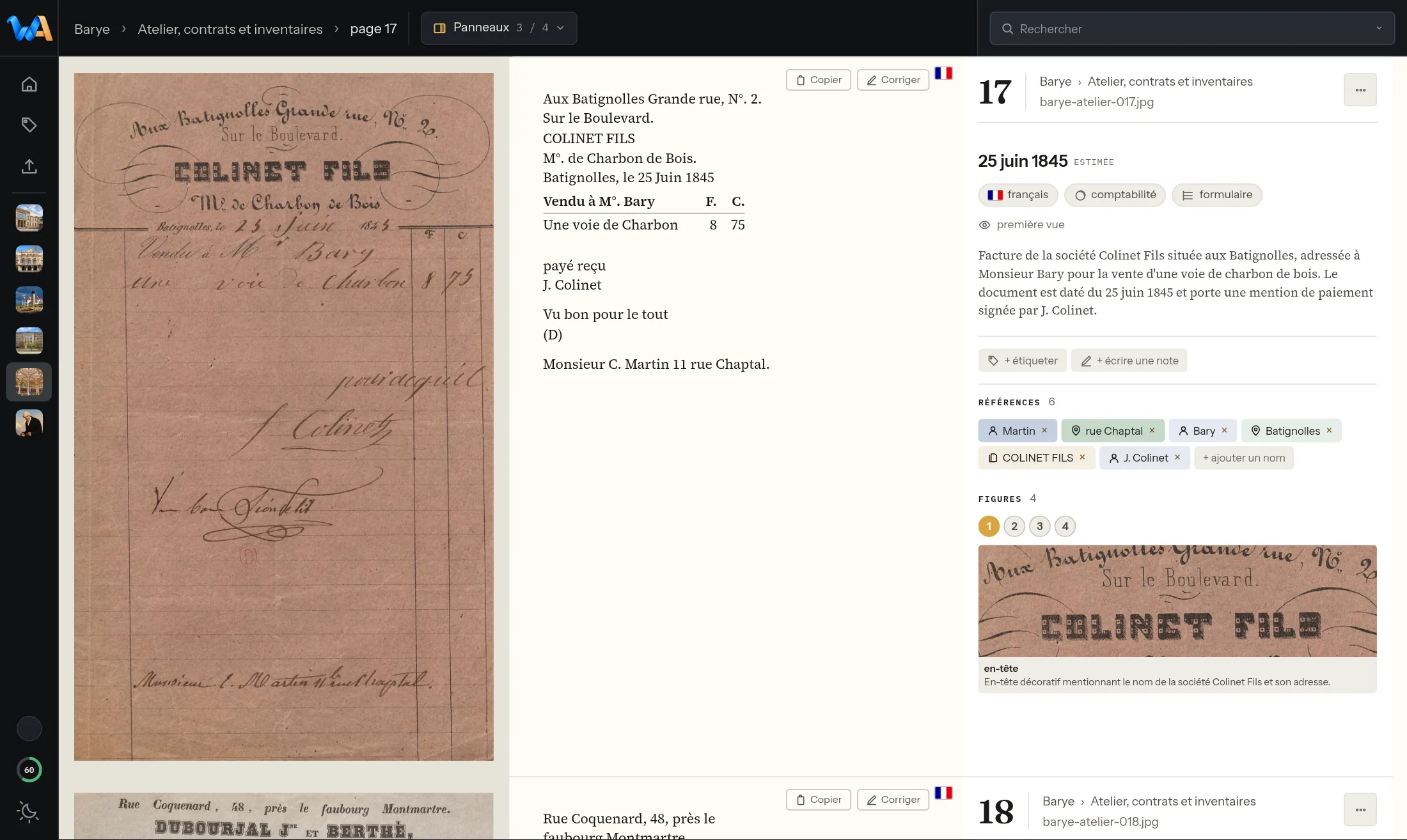
Language, nature, date and proper names: every page read keeps its own record, nothing retyped.
Reading the unreadable
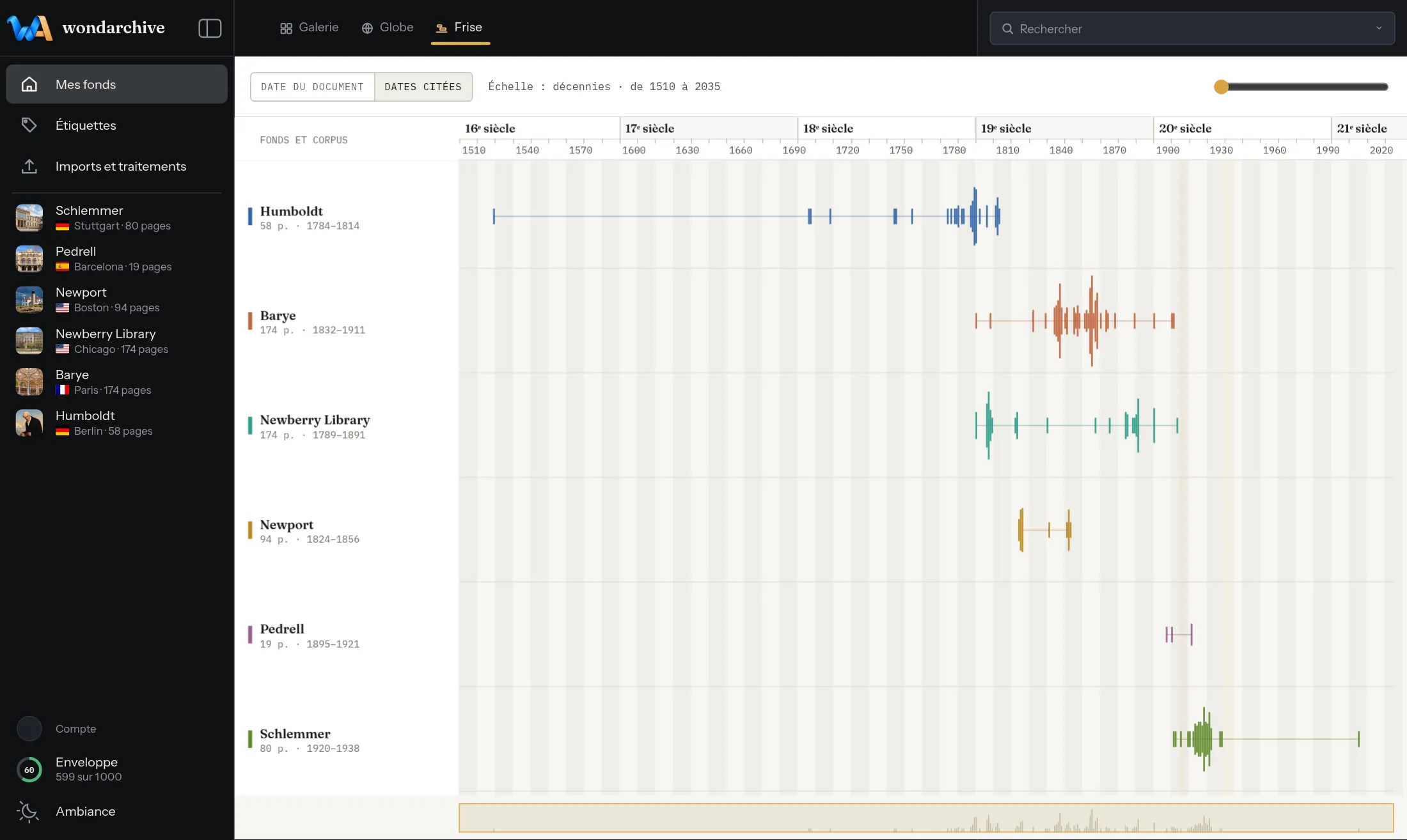
The date read on the page, from a letterhead, stamp or signature, is kept apart from dates the text cites; when uncertain it becomes a range, and a date far out of line with the rest of its shelfmark is flagged with a “?” confirmed in one gesture.
Reading the unreadable
A photo, a table or a diagram found on the page is spotted and put back in its place in the text.
Finding again
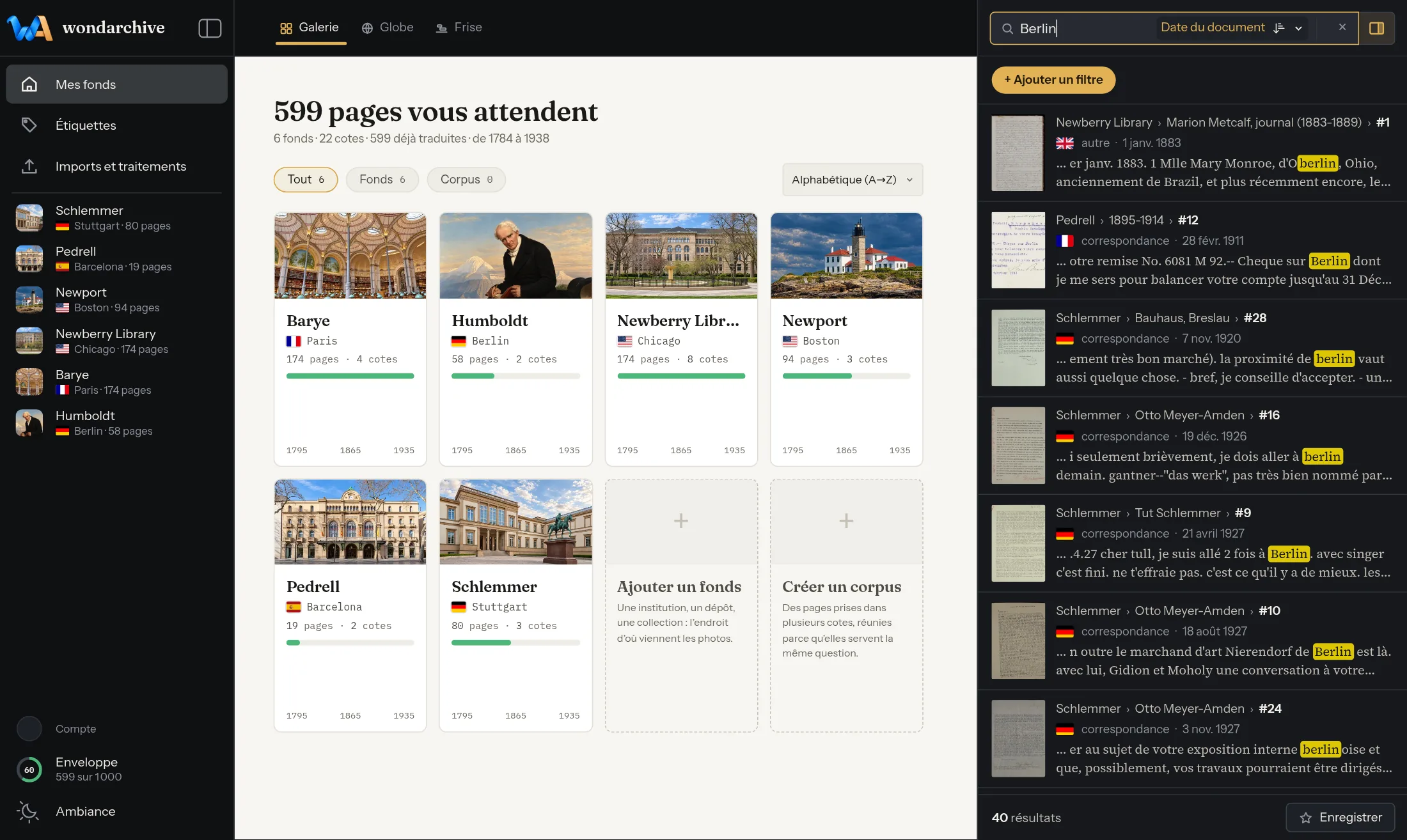
Search covers the entire fonds and recognises a word even when misspelled or written another way.
Finding again
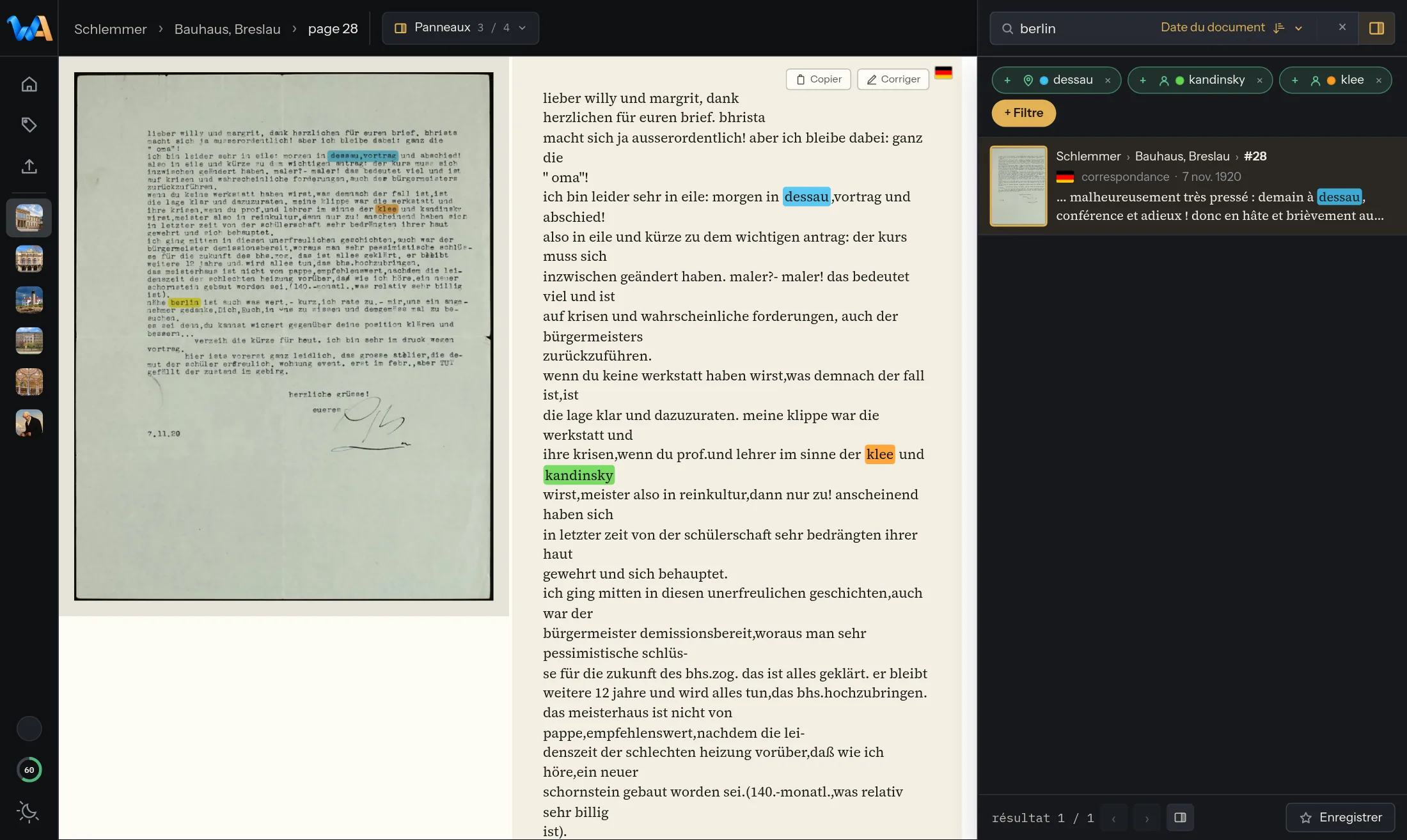
Several words searched at once are highlighted right on the page’s photo, each in its own colour.
Finding again
Proper names, tags, dates, language, document nature: every criterion can be combined with the others.
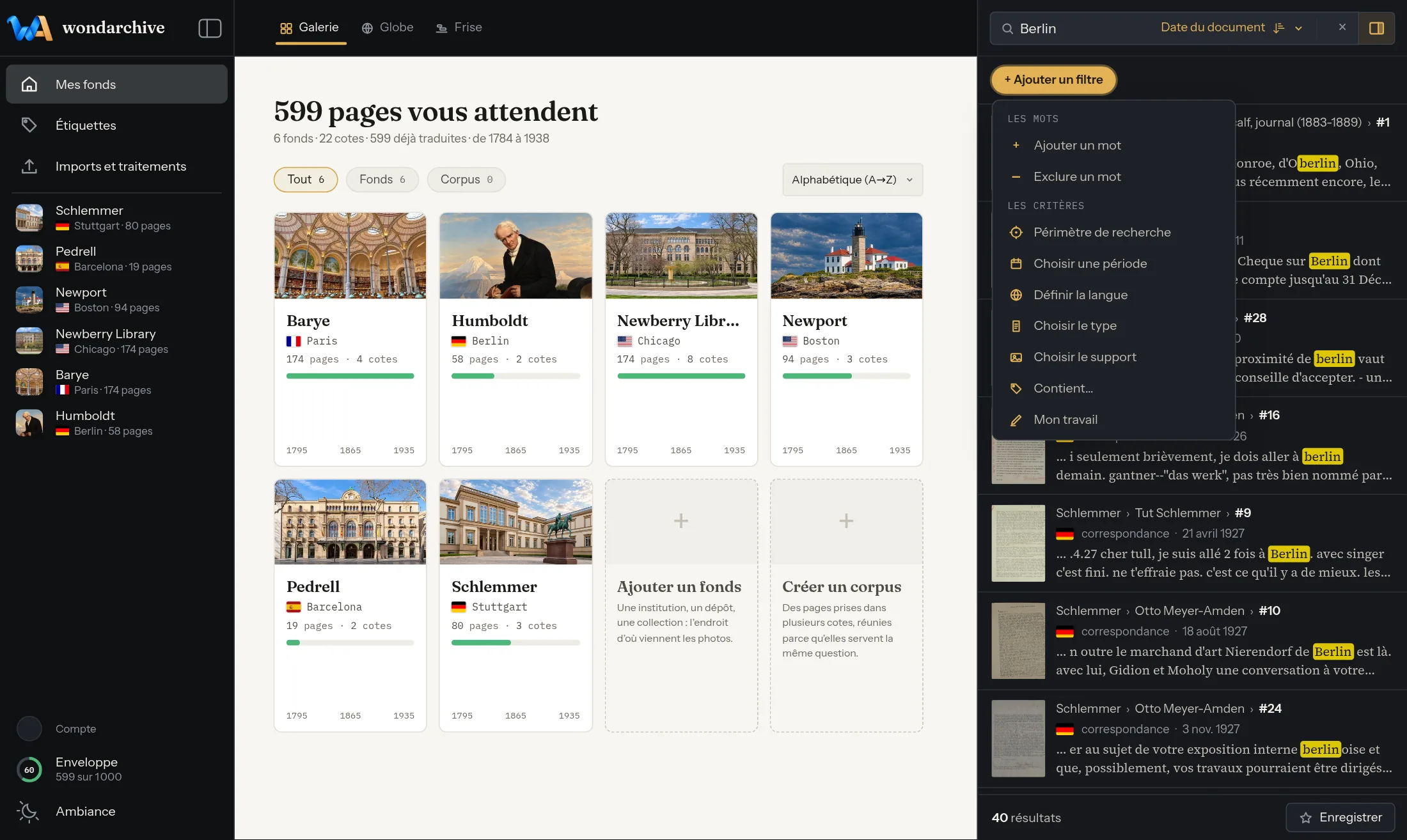
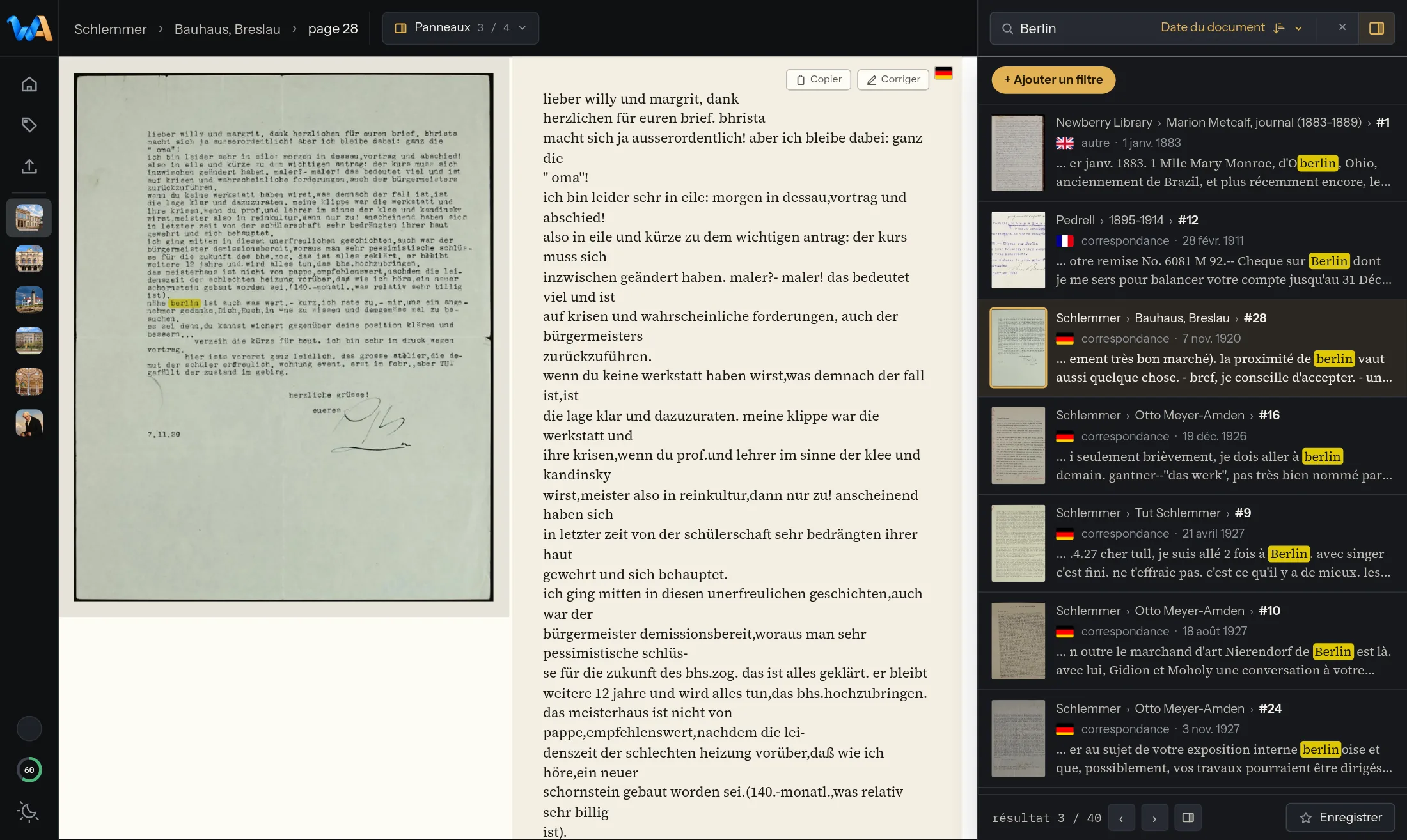
Finding again
The page opens in the reader while the other results found stay right beside it.
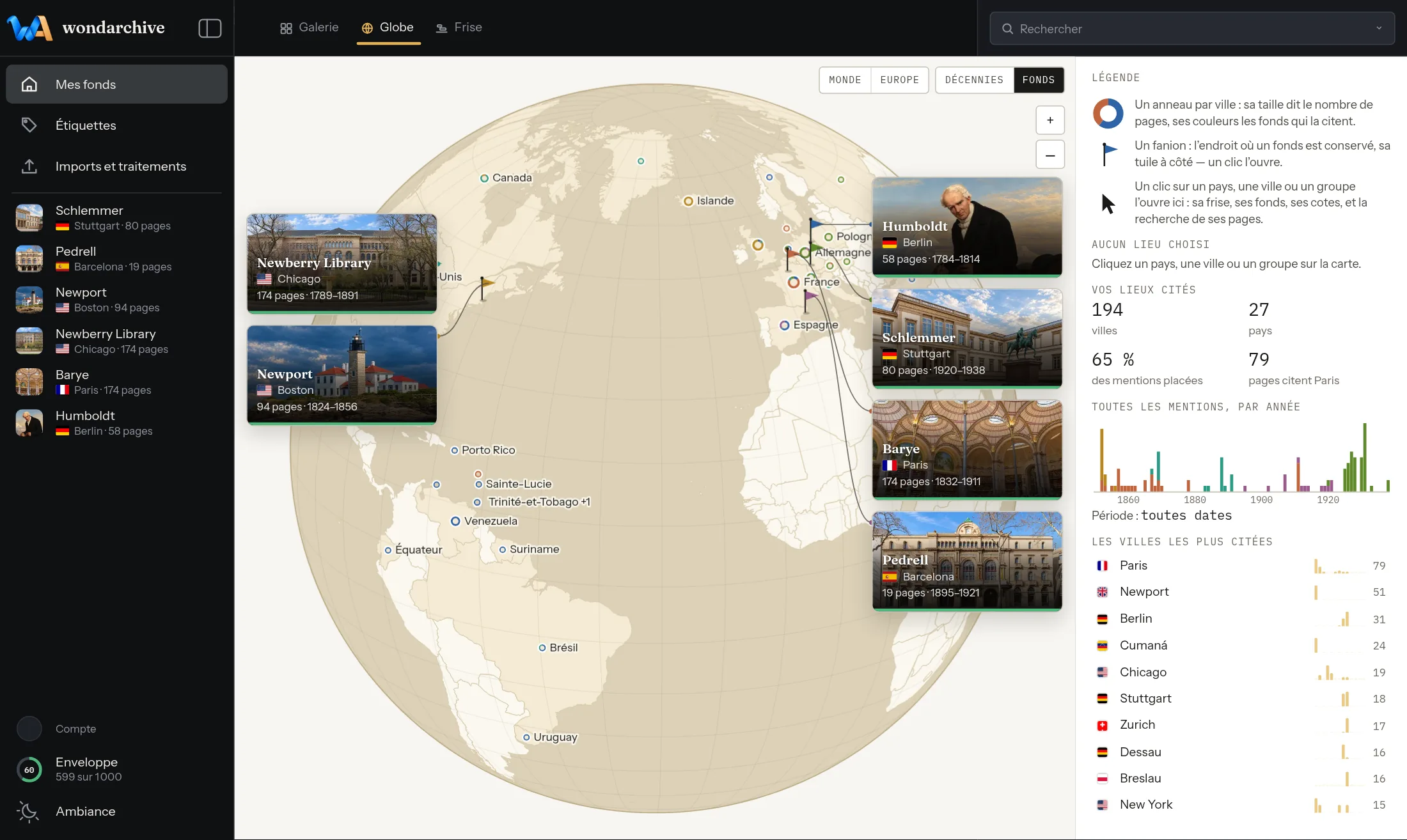
Exploring
Places found in the pages appear on a globe, fonds by fonds.
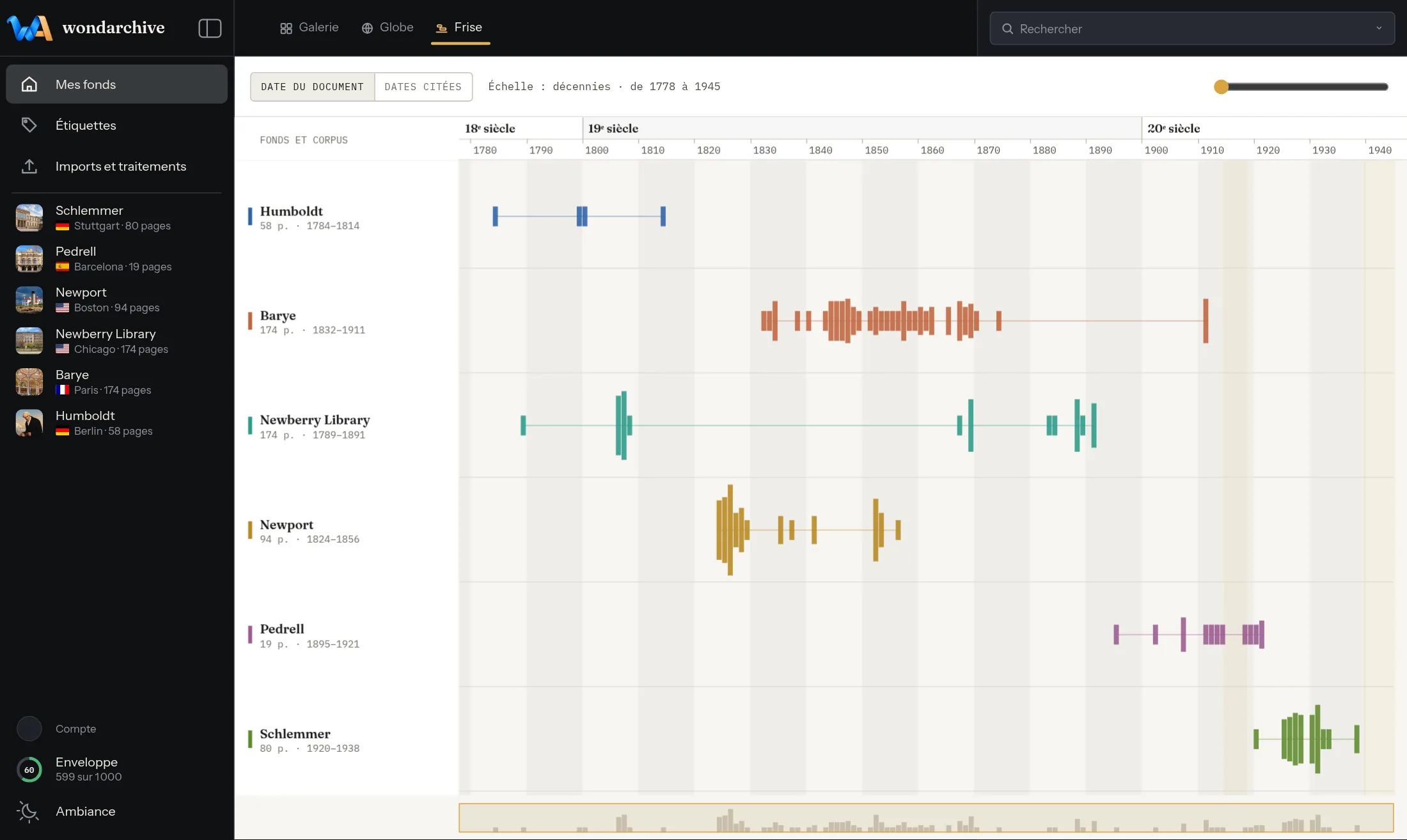
Exploring
Every date found, certain or estimated, takes its place on the timeline of the fonds.
Exploring
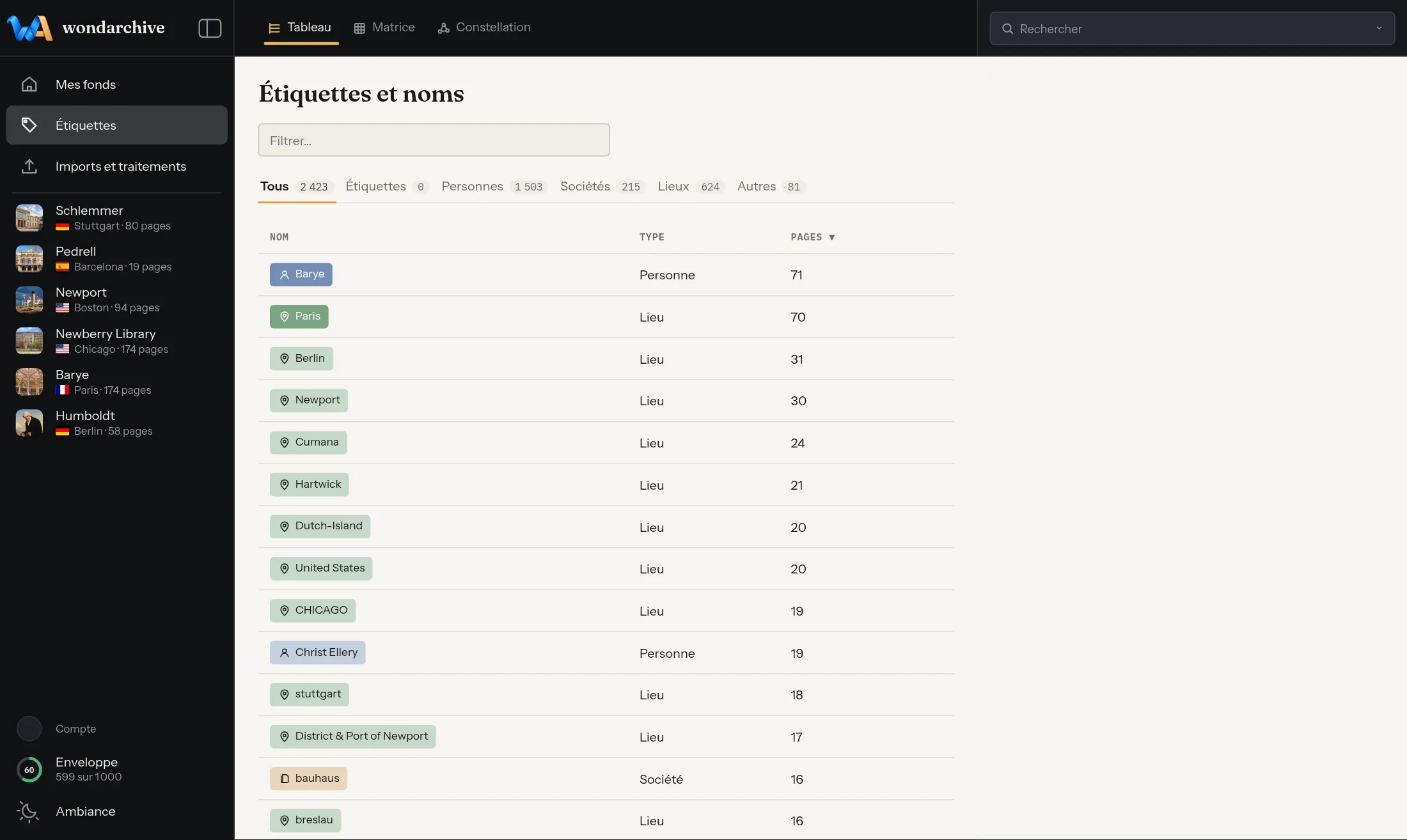
People, companies, places: names found are ranked from most to least cited.
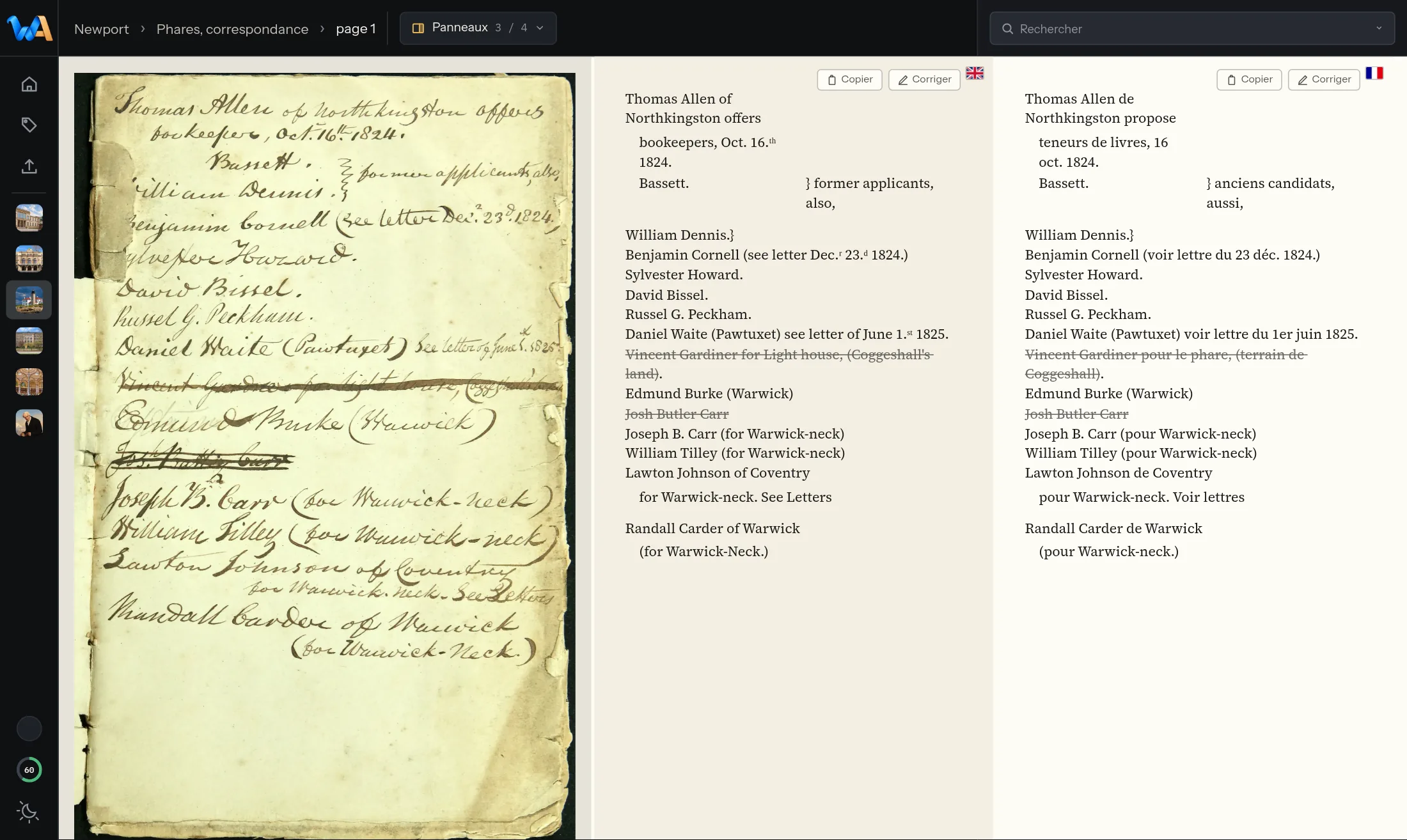
Reading in the room
The photo, the transcript and the translation are read together, on a single screen.
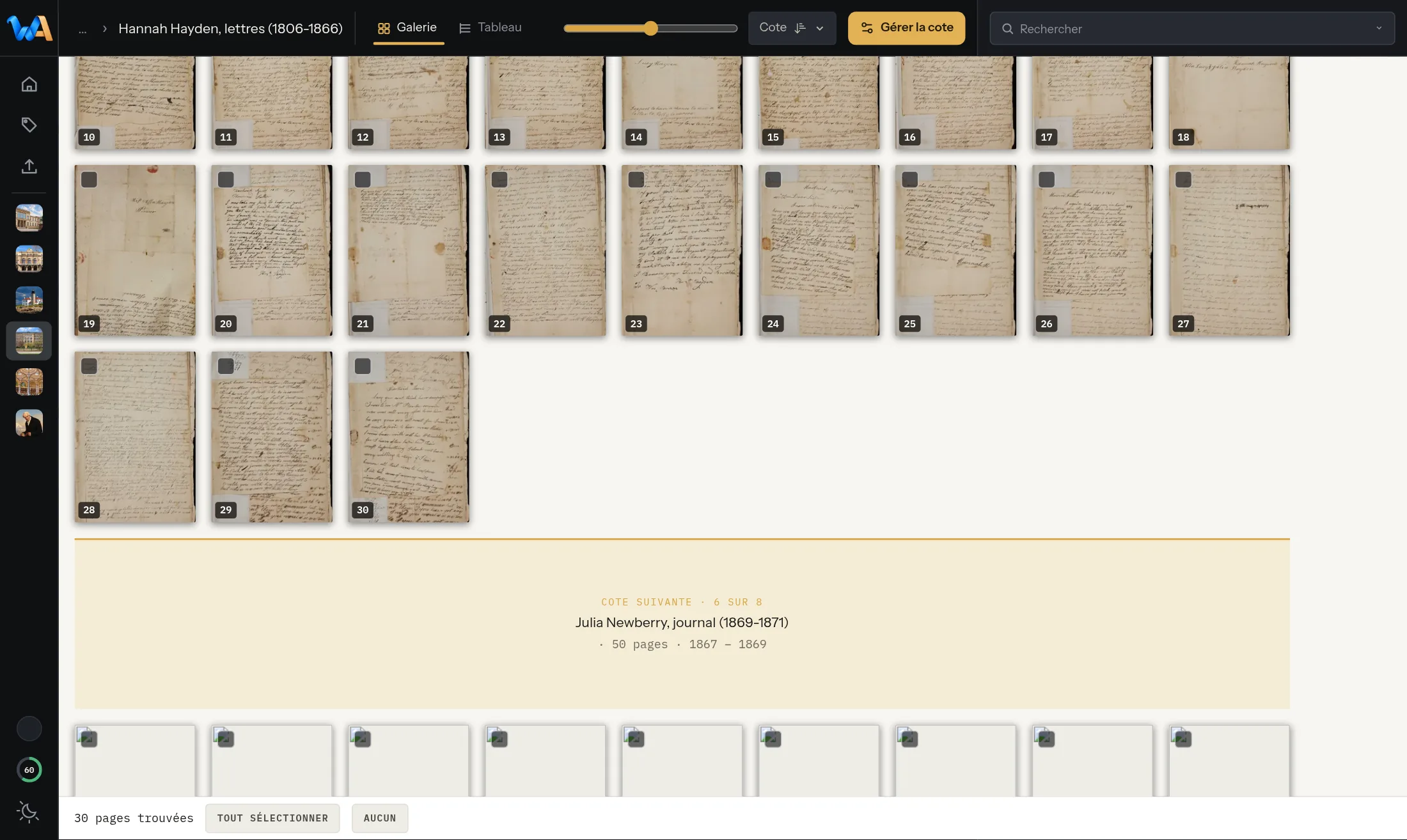
Reading in the room
Reaching the last page of a shelfmark, the next one follows at once, without reloading anything.
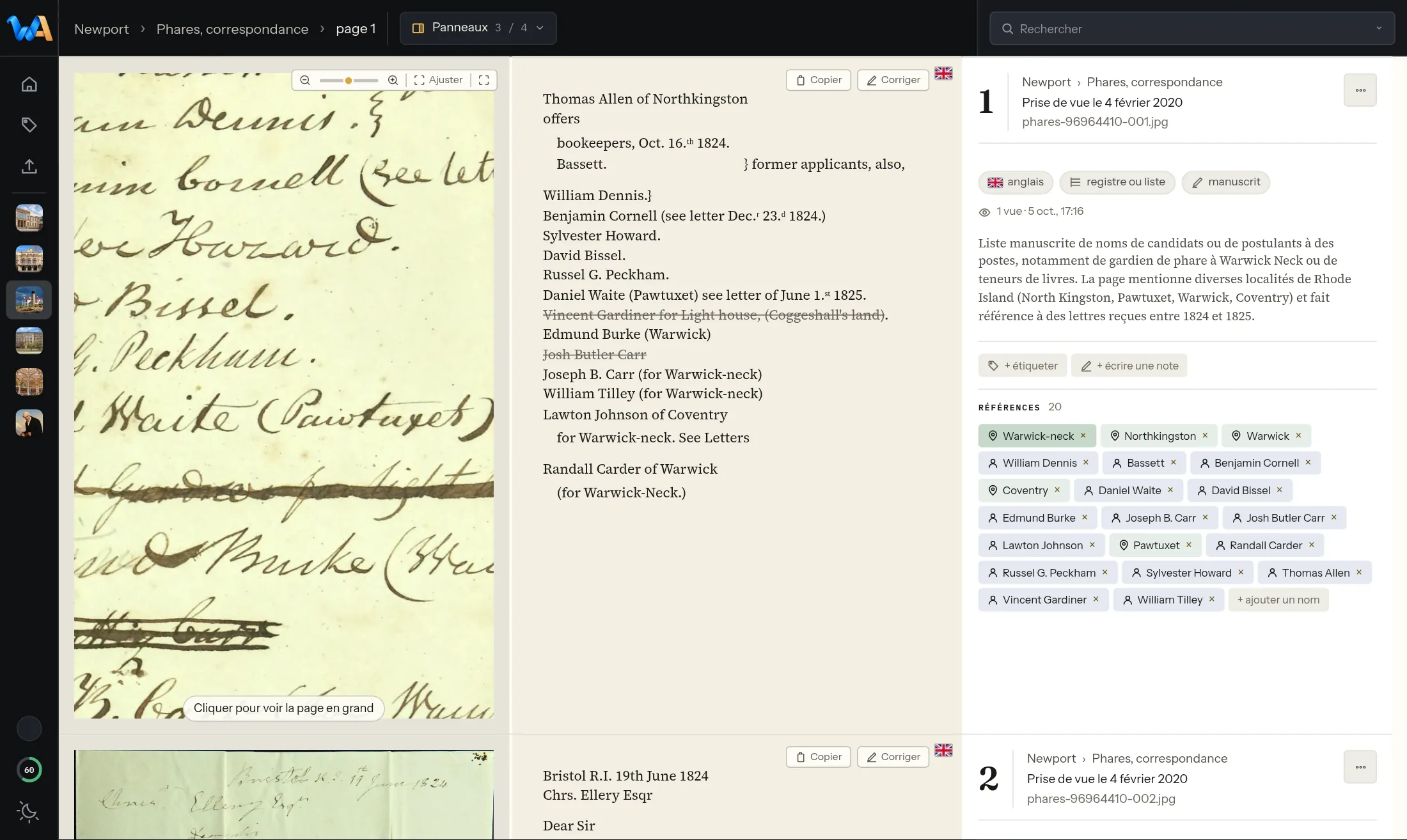
Reading in the room
The photo zooms right down to the pixel, full screen, to check a detail against the original.
Reading in the room
The reading room switches between a light and a dark setting, for reading at any hour.
Organising and annotating
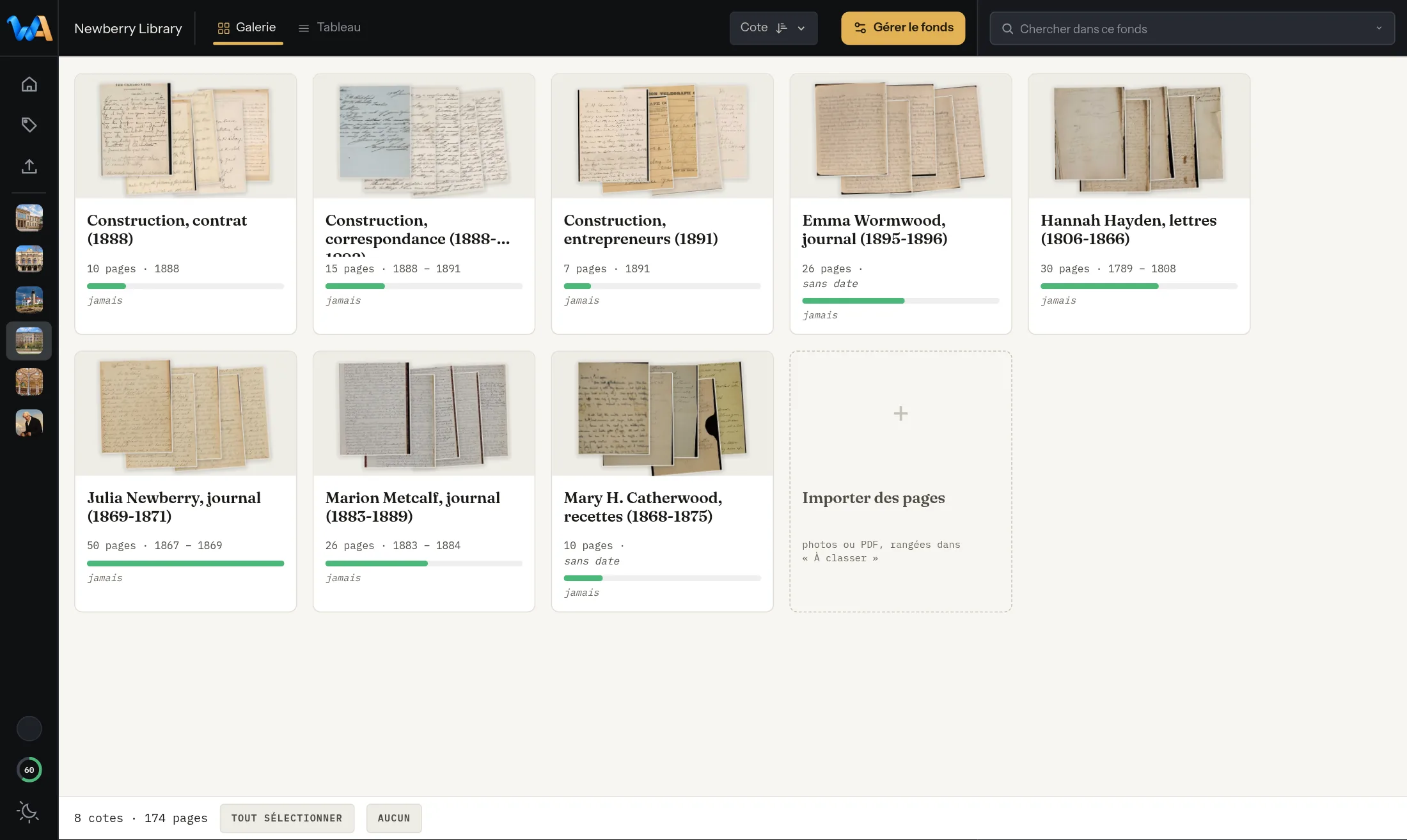
The tree of the fonds grows as deep as needed, with no fixed number of levels.
Organising and annotating
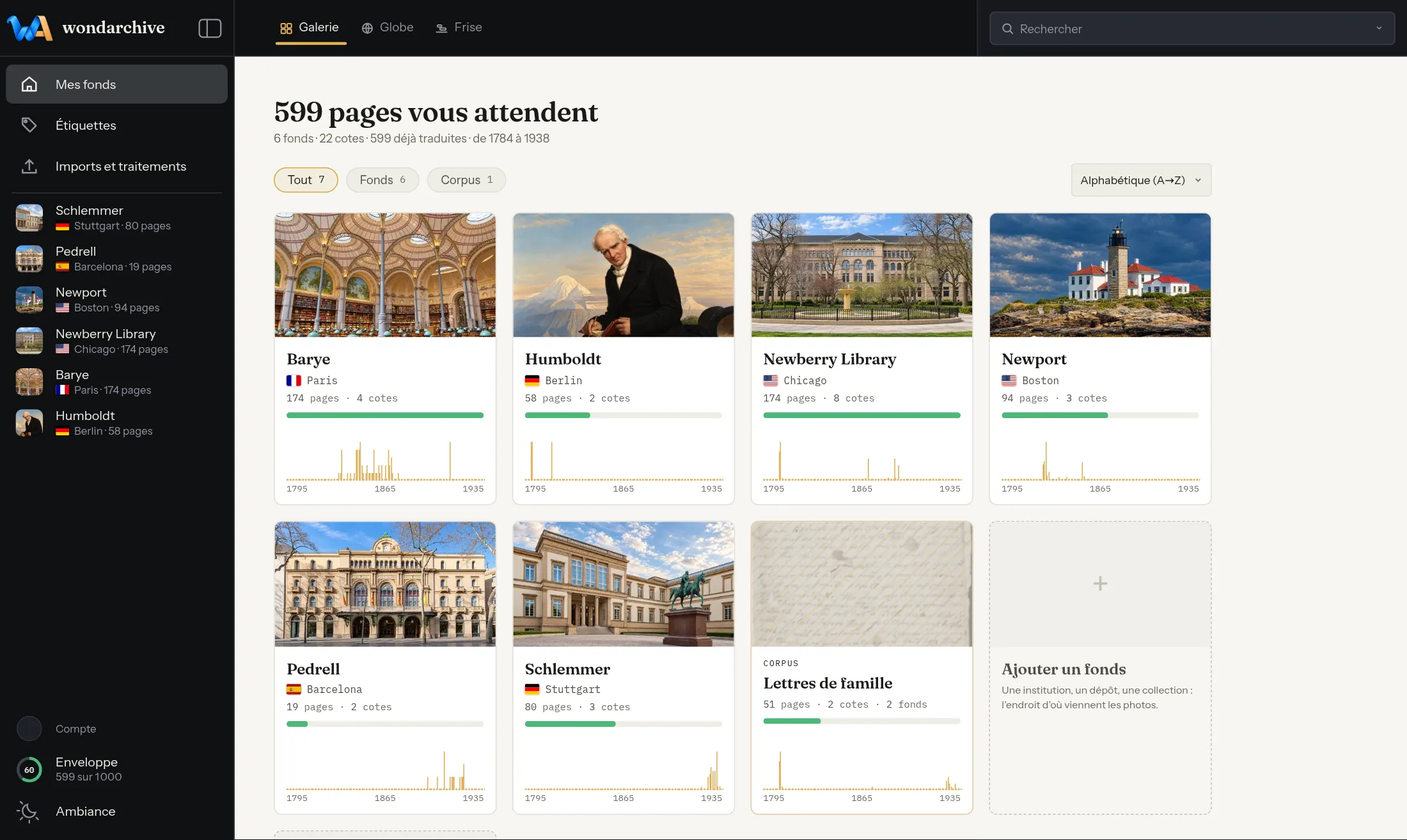
A corpus gathers chosen pages from several fonds, for a search or a continuous reading.
Organising and annotating
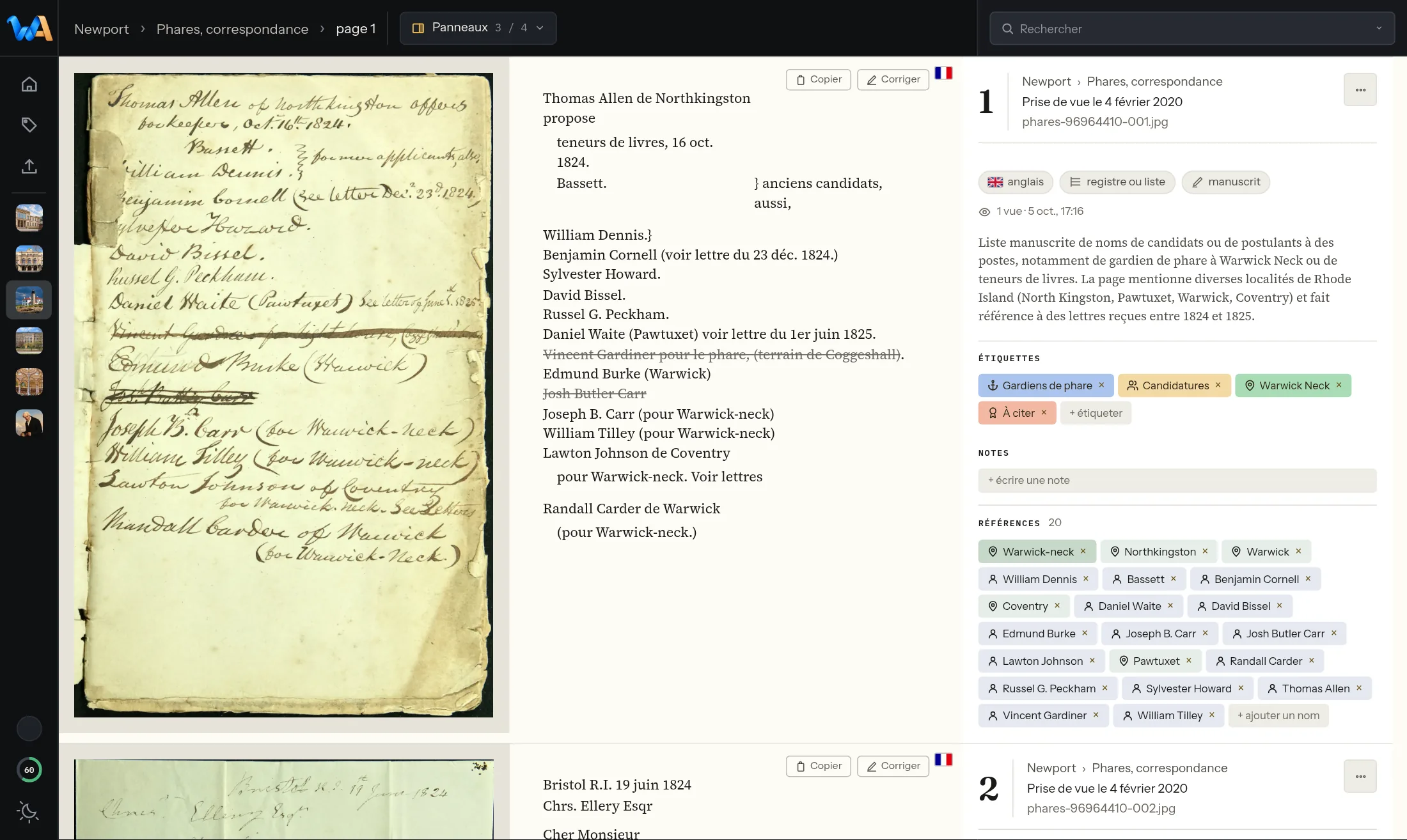
Every tag carries its own colour and icon, set on a page in one click.
Organising and annotating
A dated note is attached to a page and stays with it, beside the text that was read.
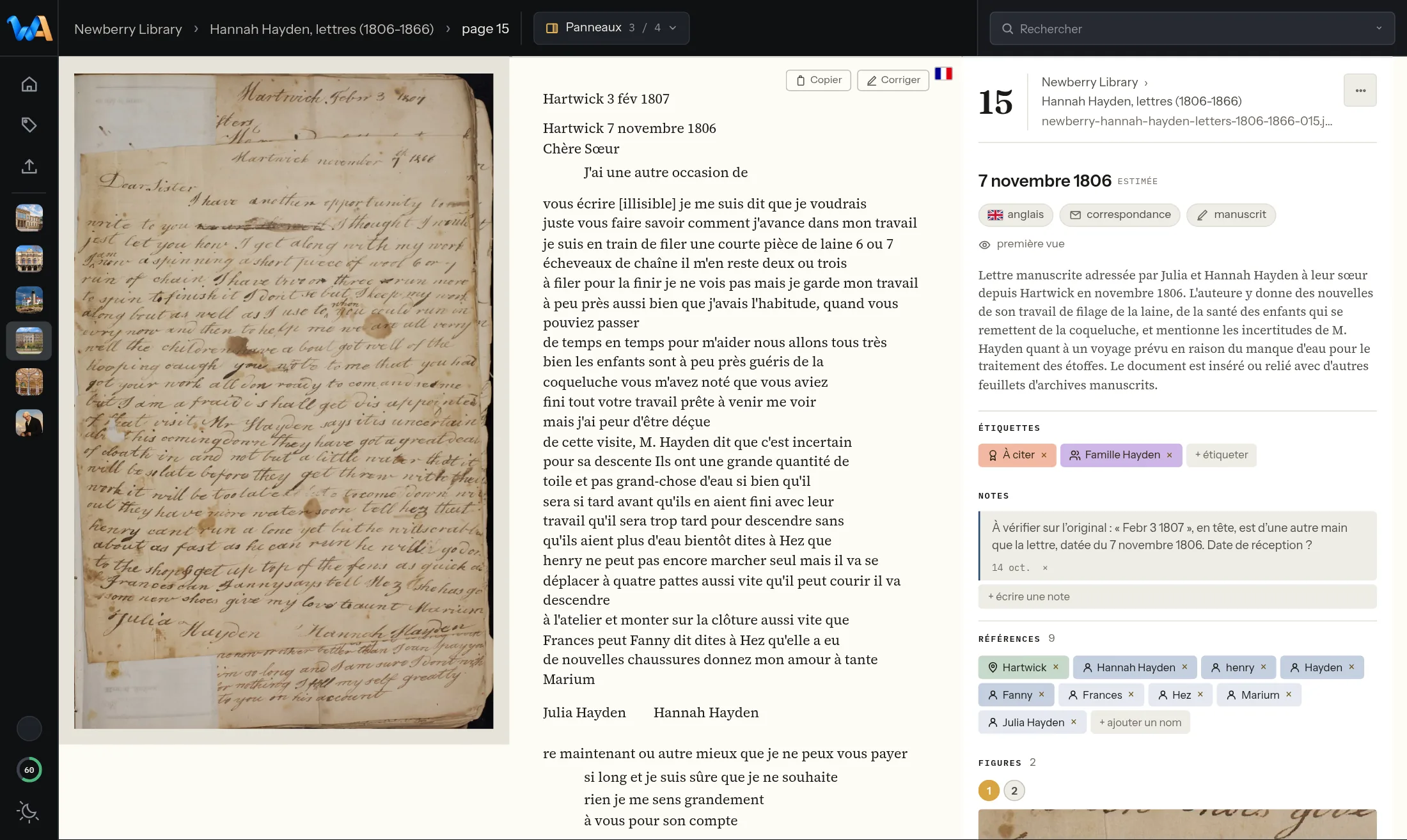
Organising and annotating
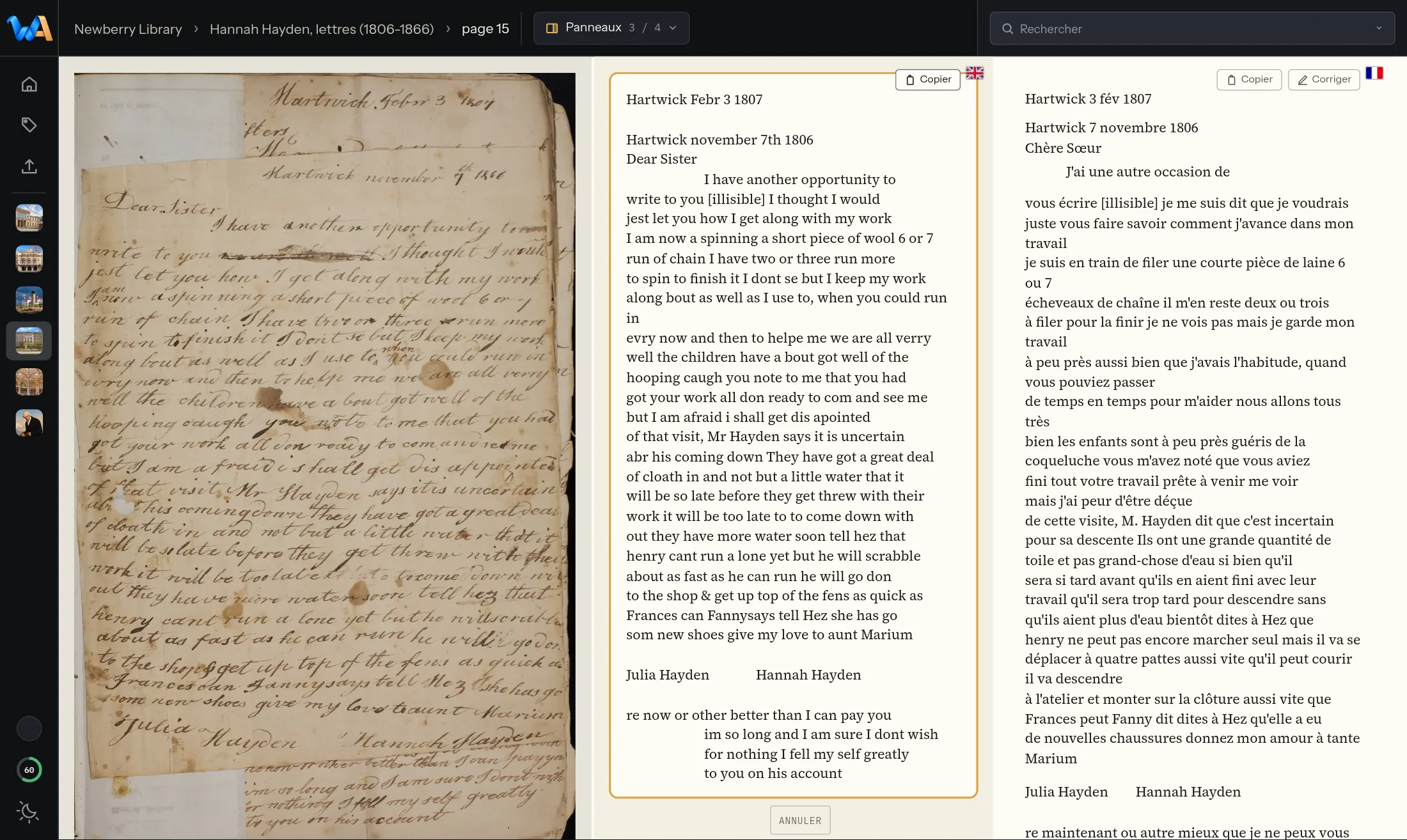
The text that was read can be corrected in place, and the original is kept alongside, just in case: one gesture brings it back.
Depositing
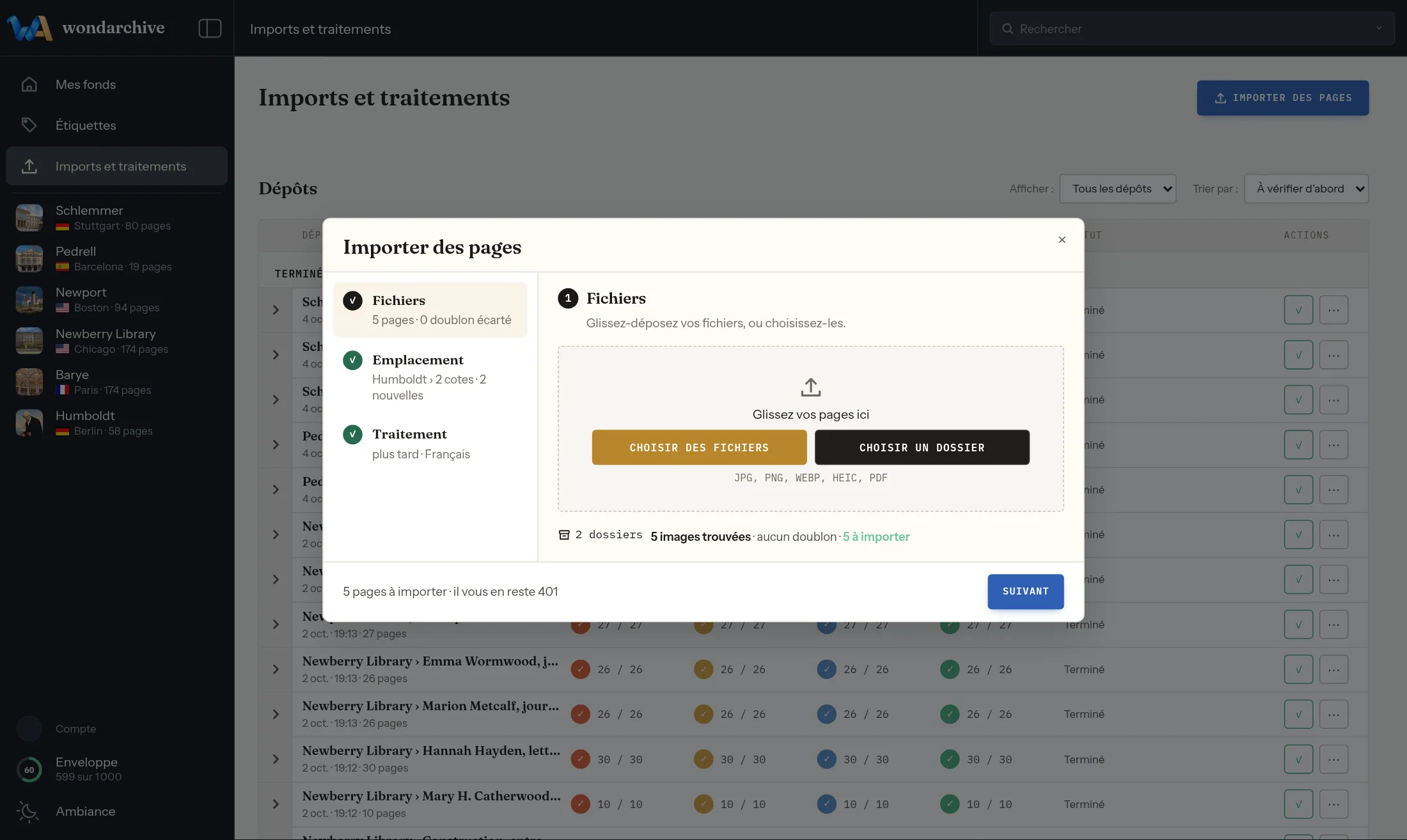
The mission’s folder, subfolders included, is dropped in one go, with nothing renamed.
Depositing
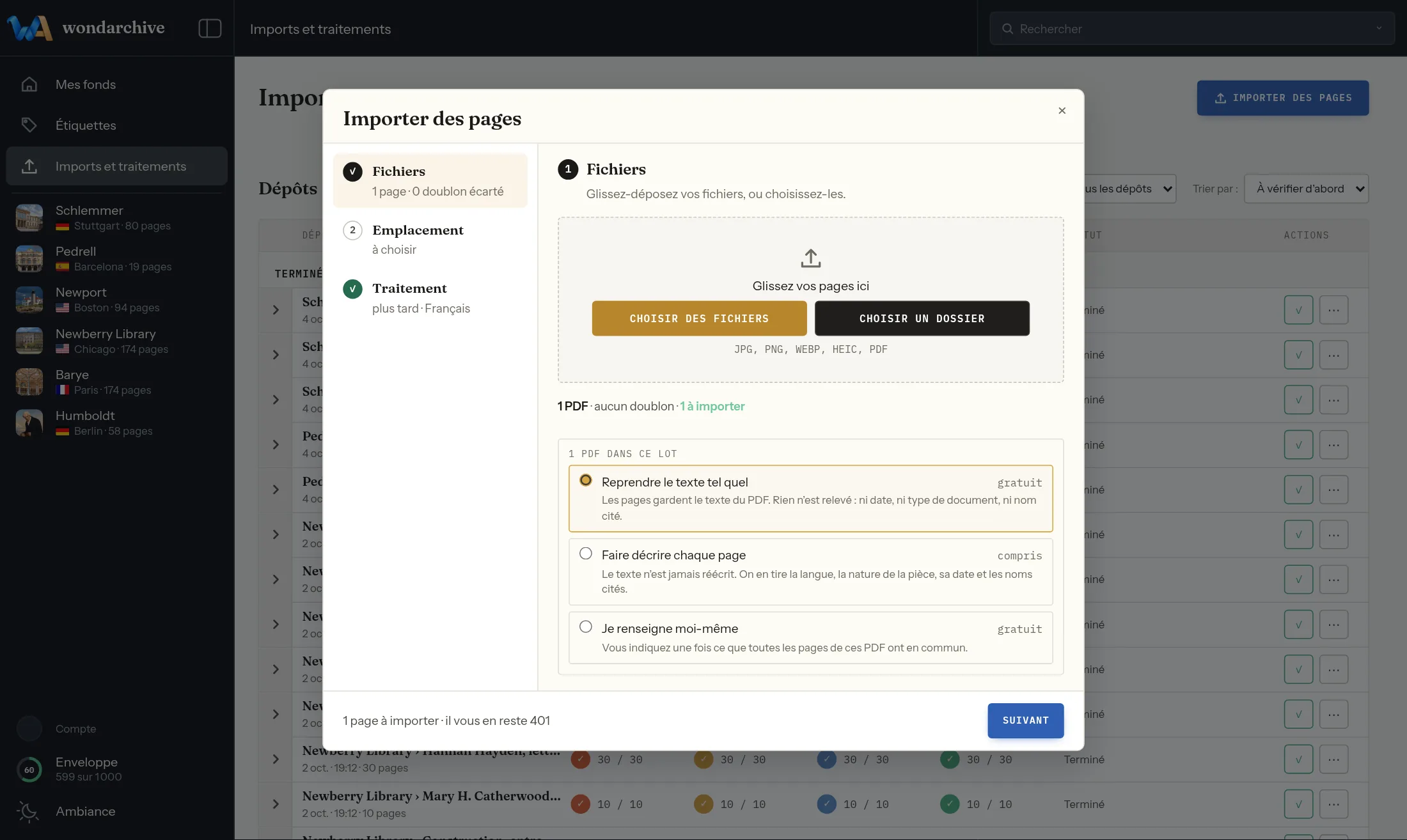
A deposited PDF is split into pages, each one treated like a photo.
Depositing
A fingerprint computed before sending recognises a page already deposited and sets it aside, so it is never paid for twice; discarded and deposited again before its anniversary date, it still isn’t paid for again.
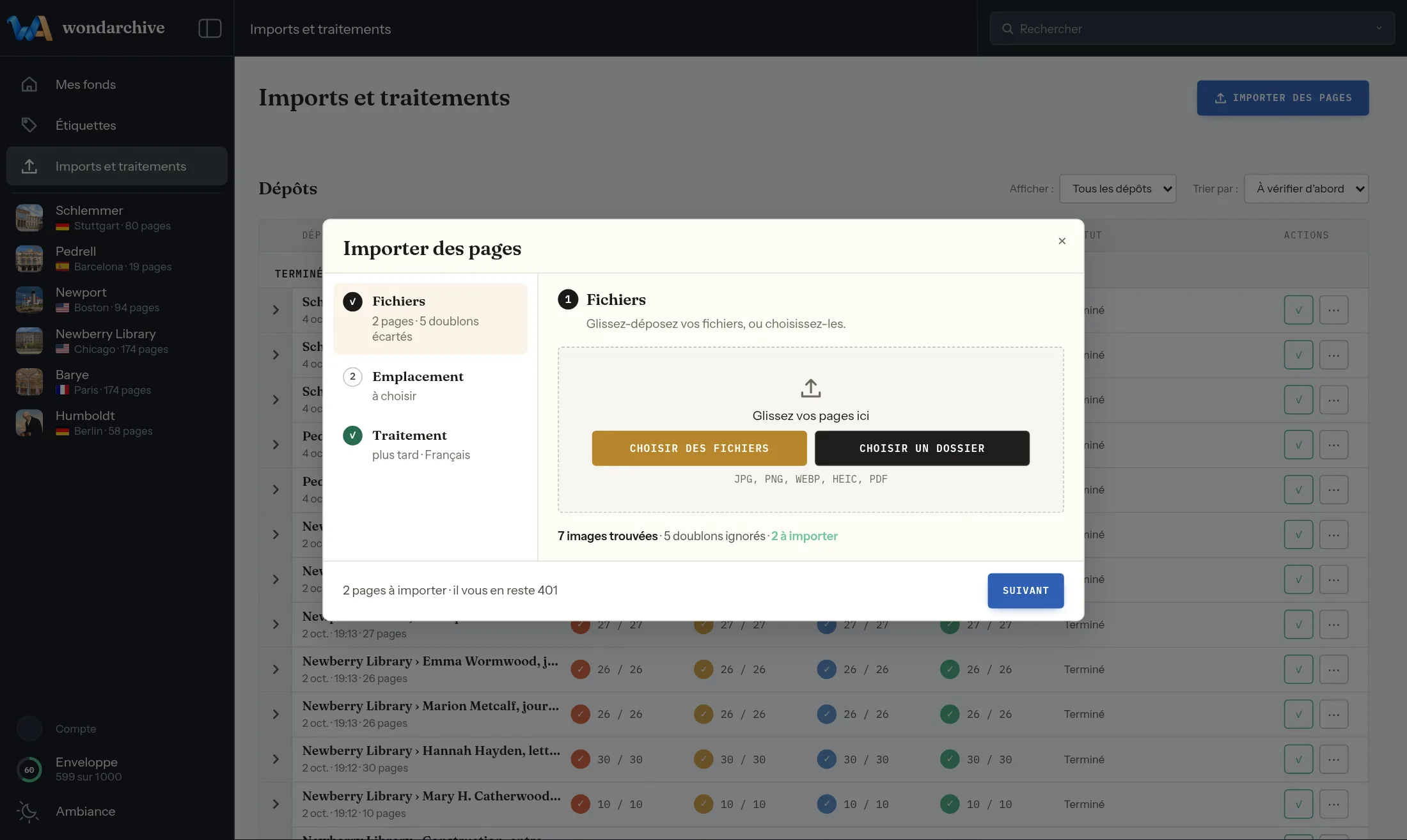
Depositing
An interrupted upload resumes where it stopped: the “Resume upload” button offers it, with nothing to restart.
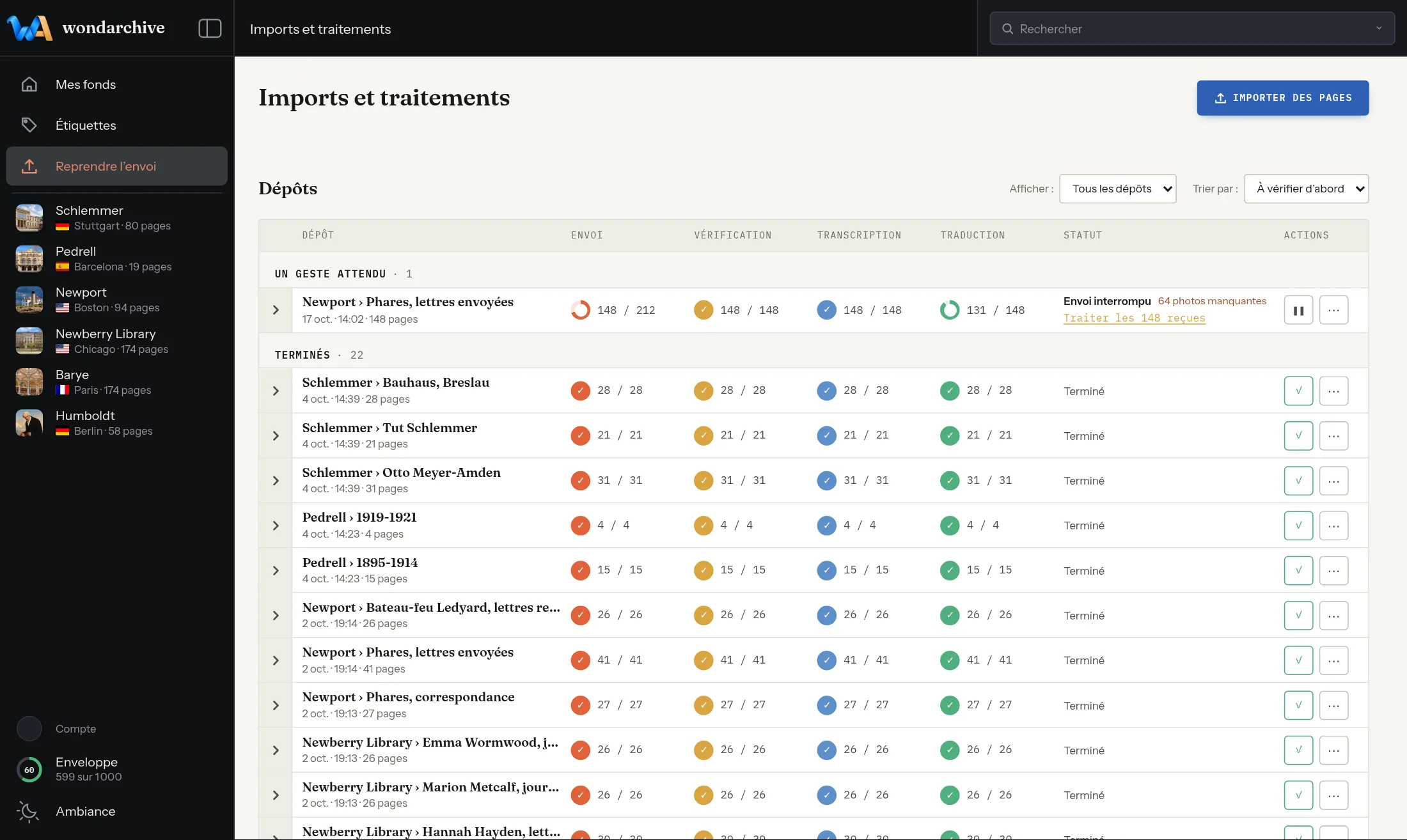
Sharing and leaving
A box adds invited readers or contributors by their email address, each with their own role.
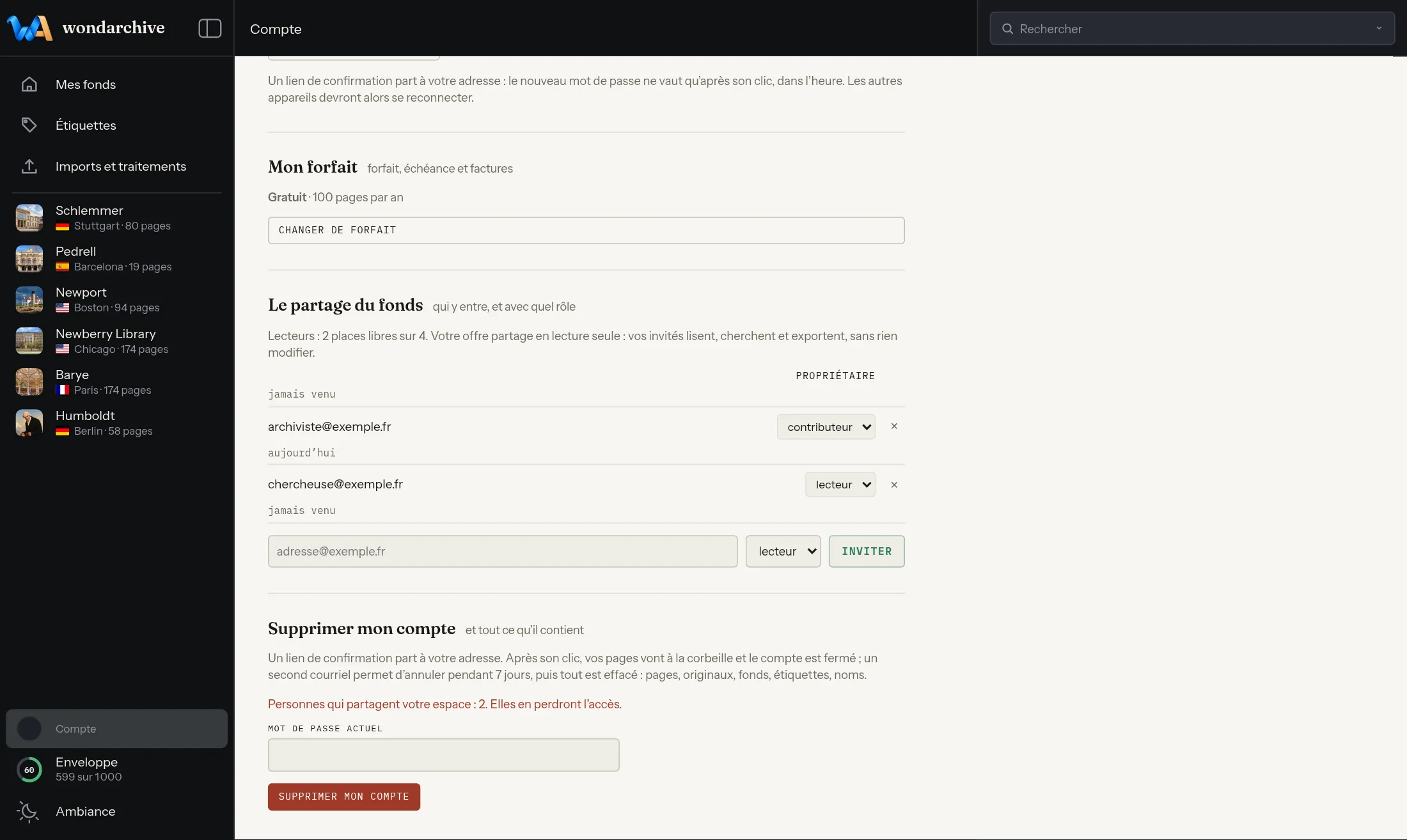
Sharing and leaving
Every fonds, every shelfmark and every page has its own stable address, to cite it or come straight back to it.
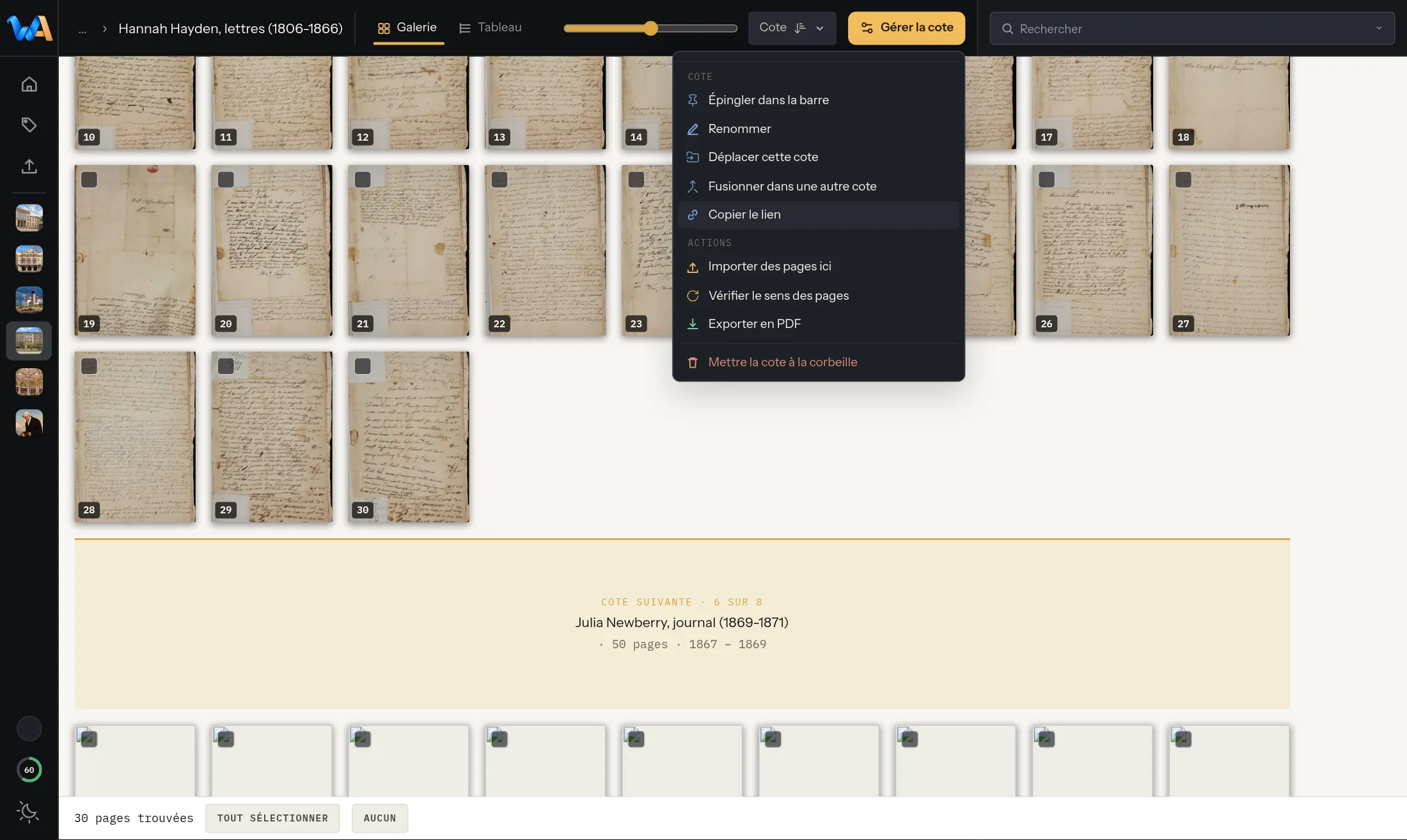
Sharing and leaving
A page, a shelfmark or a search exports to PDF, with the chosen text — transcript or translation — and the figures cut out of it.
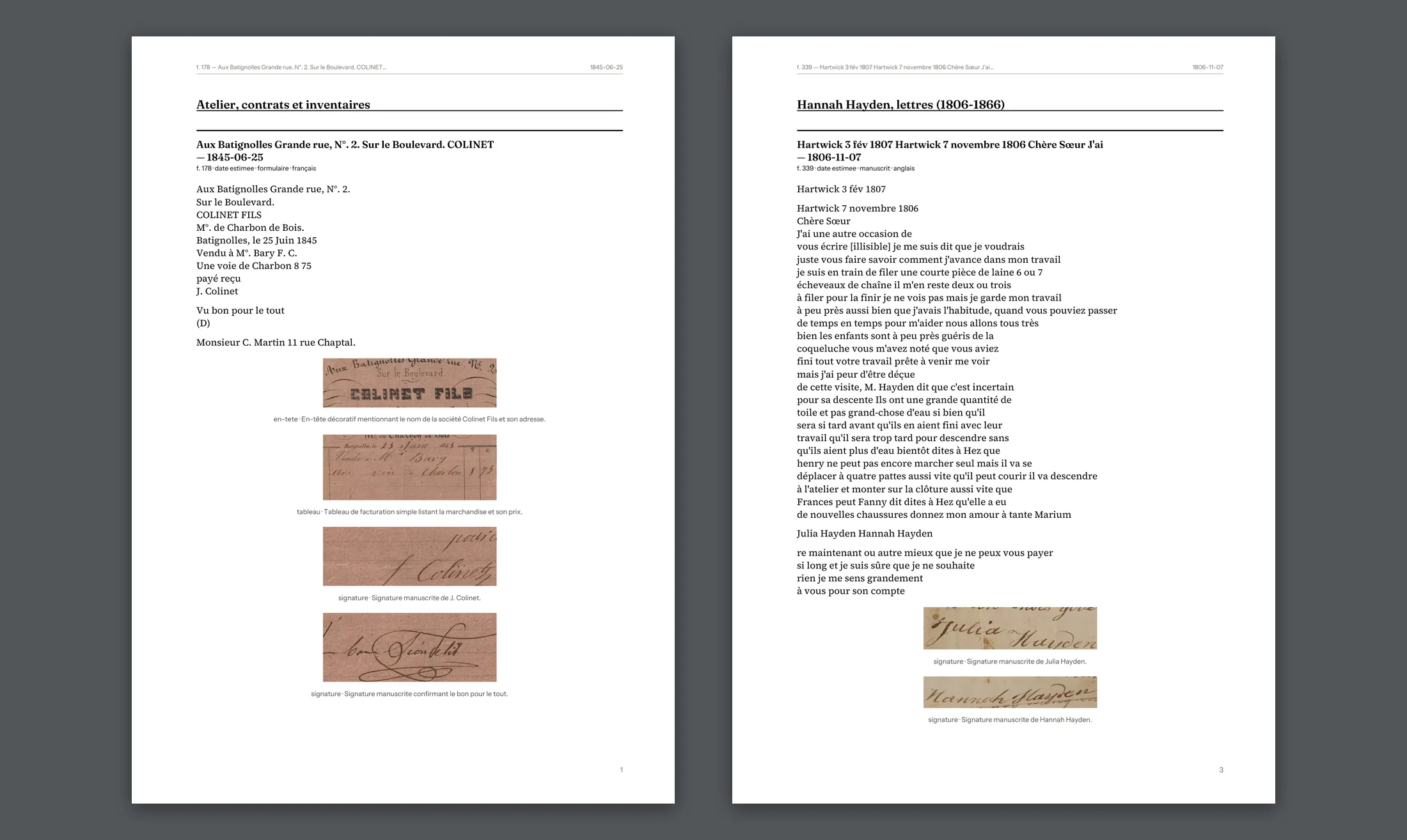
Sharing and leaving
A whole shelfmark exports as PDF, plain text, spreadsheet (.csv) or Markdown, at any time.
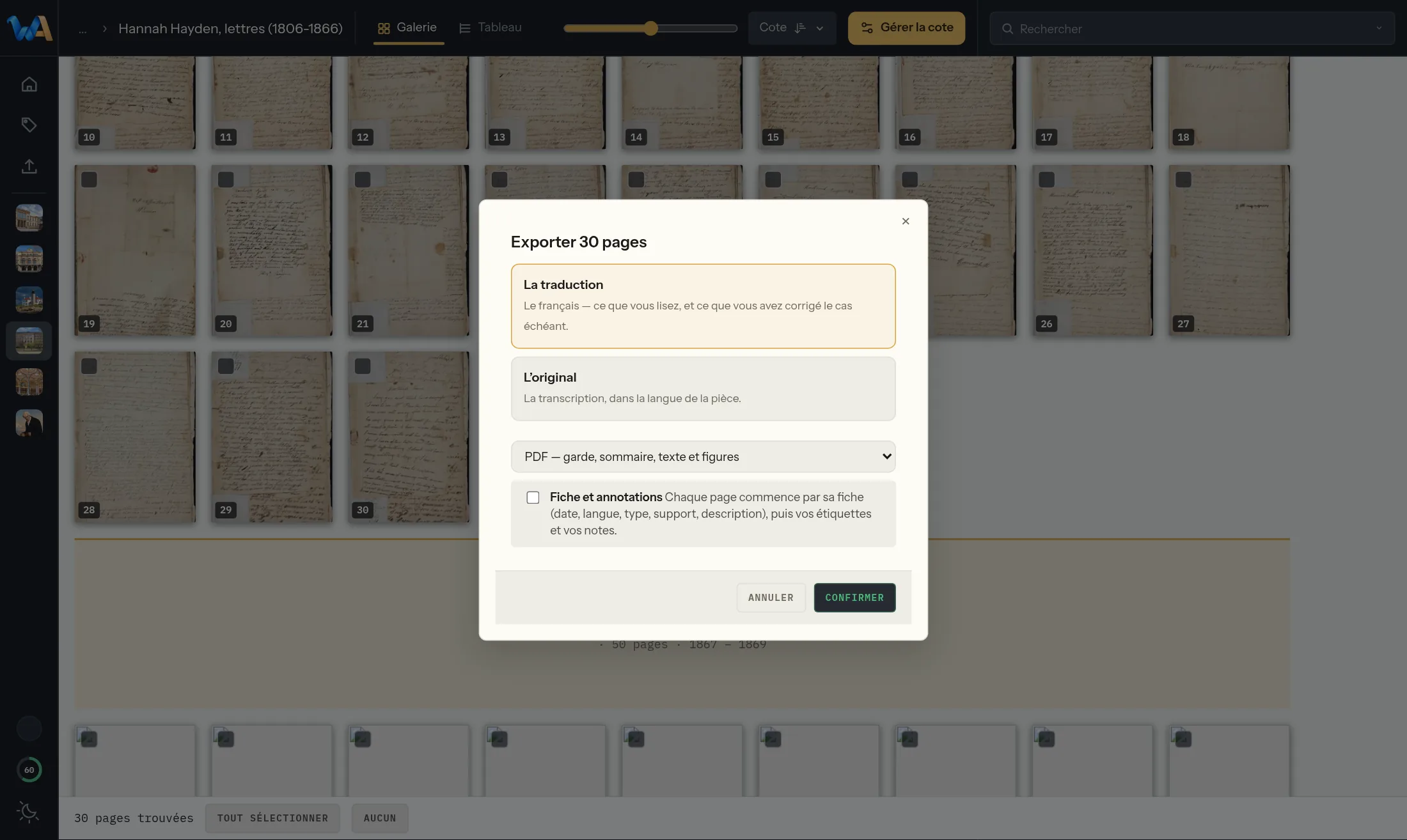
Sharing and leaving
A deletion can be undone for seven days in the trash, before it becomes final.
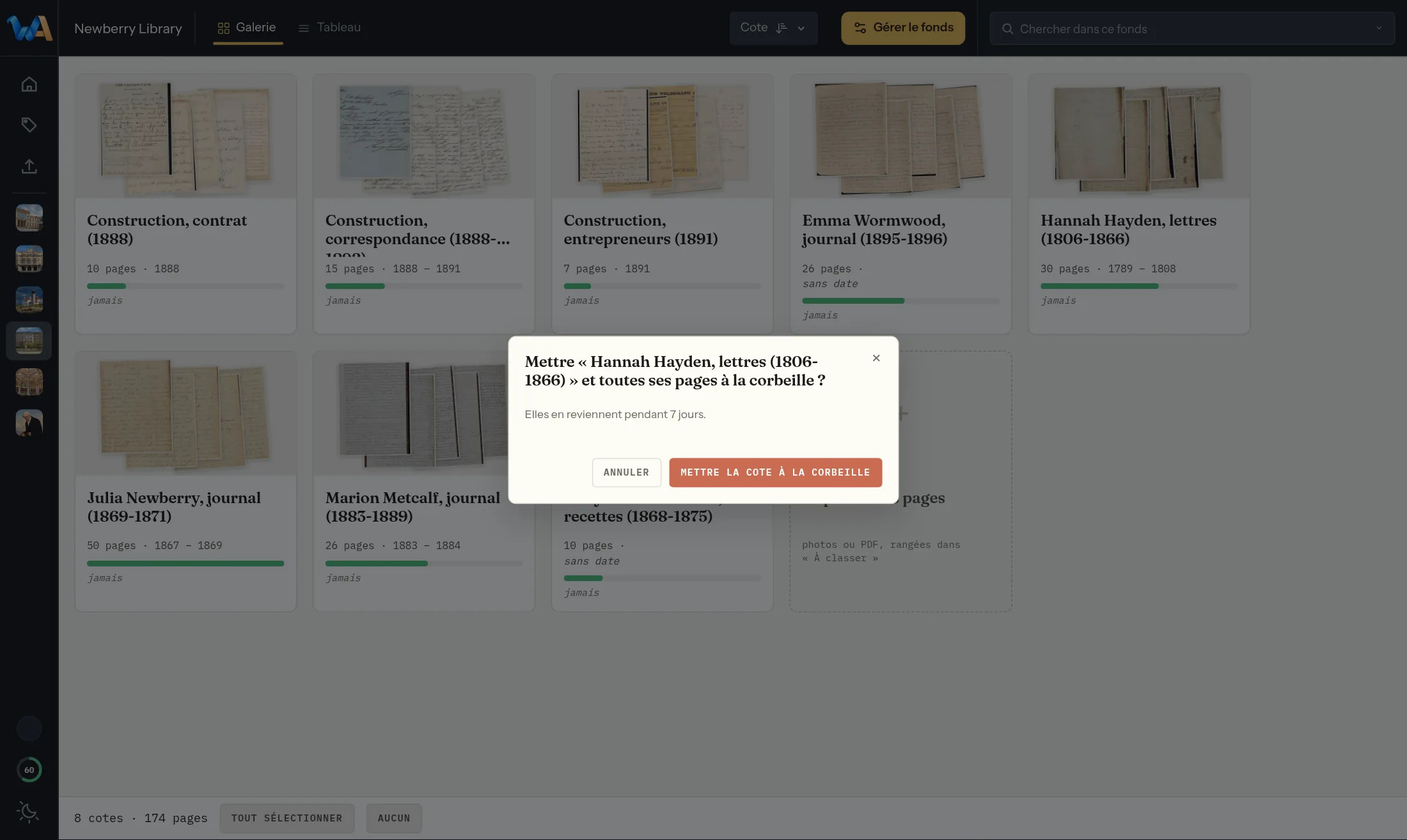
A hundred pages transcribed and translated, for a year, no card required.